


View AU News Through AU Connect App
By Khadija AhmedPublished 16 Dec 2021Updated 18 Jan 20241 min read
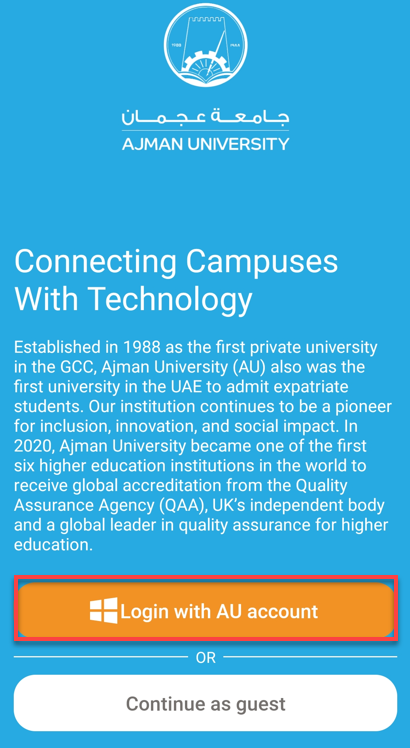
- Click on "Login with AU account."
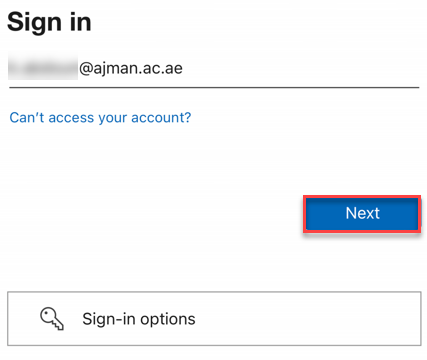
- Enter your AU email address, then click on Next.
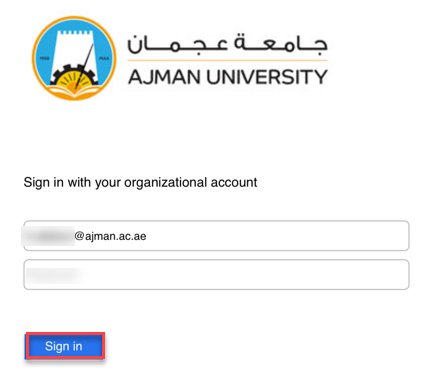
- Enter your password, then click on Sign in.
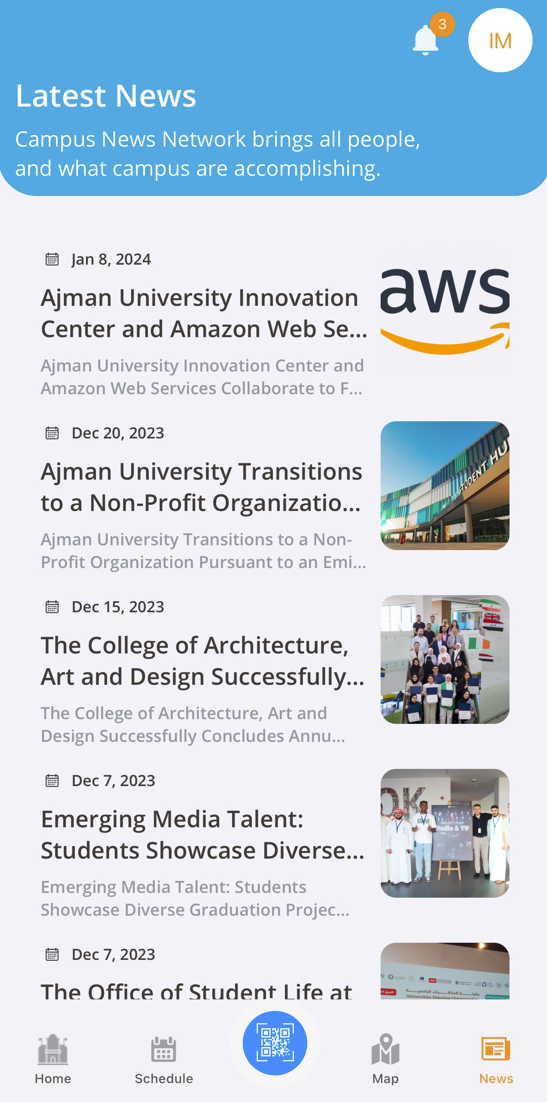
- Click on "News & Announcements" to view AU News.
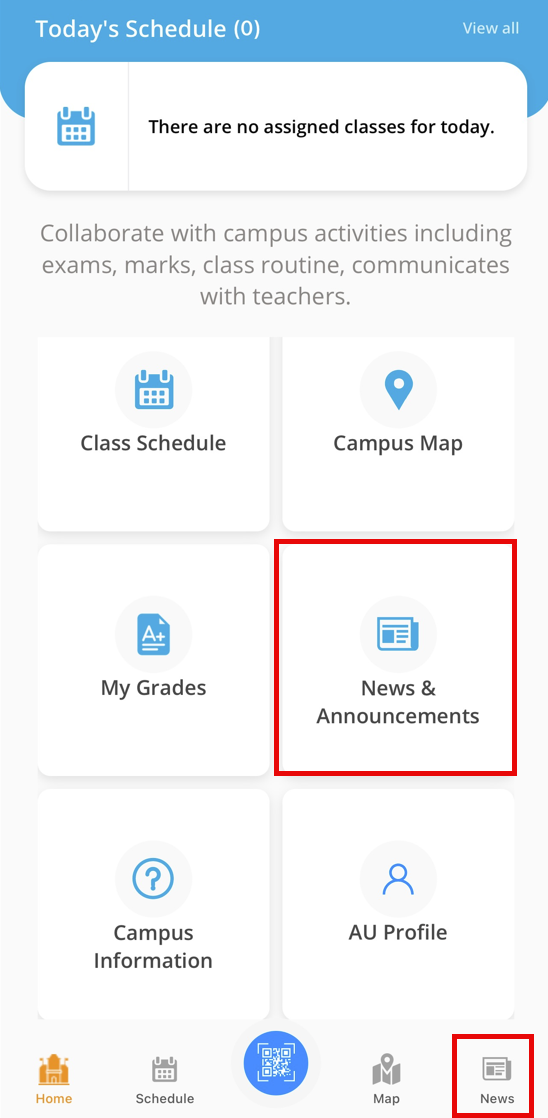
- The News button Shows news provided by AU for its community. You can click on the title to view the details.
Note:
The AU Connect App will display news in alignment with the published news on the AU website.
Was this article helpful?
Related articles
AU Connect Mobile App
Original source: https://it.ajman.ac.ae/docs/view-au-news-through-au-connect-app