


Access Webinars
By Khadija AhmedPublished 9 Feb 2024Updated 9 Feb 20241 min read
The AU-Connect Application includes a dedicated section where faculty members can view recorded webinars and stay updated on upcoming ones.
To access webinars through the app, please follow the steps below:
-
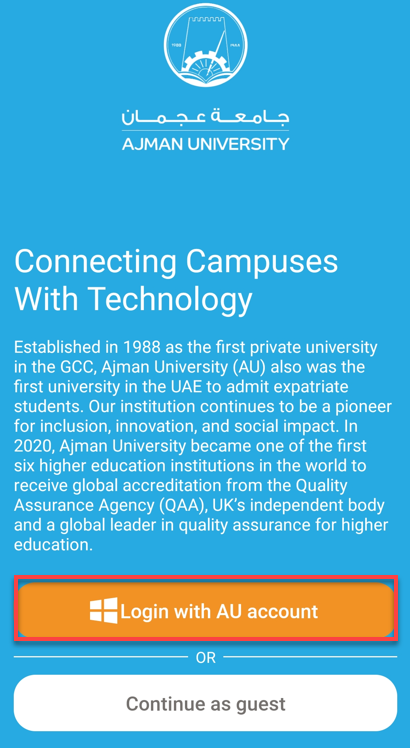
Click on “Login with AU account.”
-
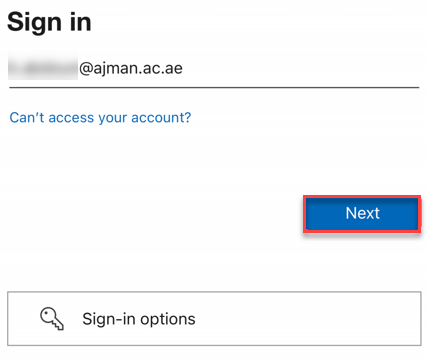
Enter your AU email address, then click on Next.
-
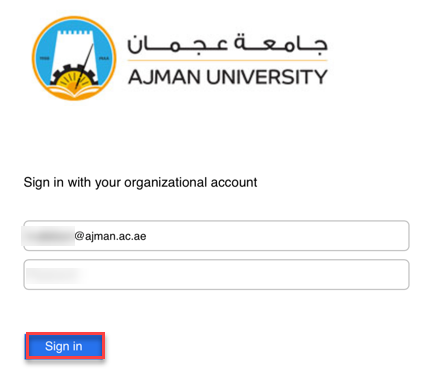
Enter your password, then click on Sign in.
-
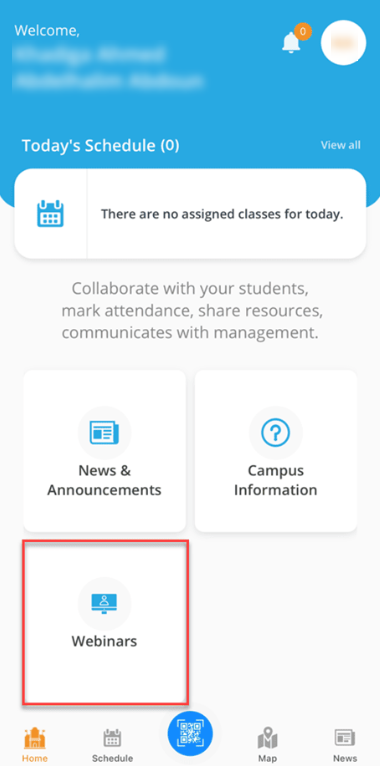
Click on "Webinars".
-
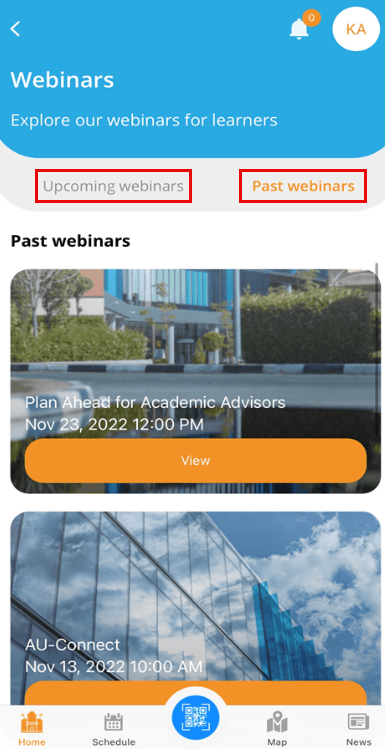
The available recorded sessions will be listed on this screen. You can access them under the "Past webinars" tab. Additionally, you will find the webinars scheduled for the future under the "Upcoming webinars" tab.
Was this article helpful?
Related articles
AU Connect Mobile App
Original source: https://it.ajman.ac.ae/docs/access-webinars