

Manage Attachments
By Khadija AhmedPublished 25 Jan 2024Updated 25 Jan 20241 min read
Once you've attached files, it's essential to know how to effectively manage them:
1. Viewing Attachments
- Open the request that contains the attachment.
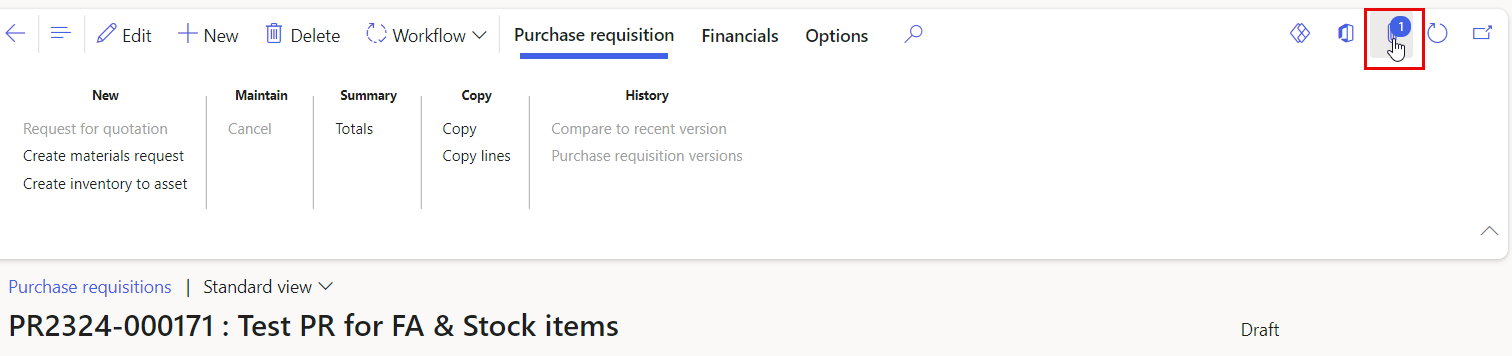
Note:
The number on the attachment icon represents the total number of attached files to the line.
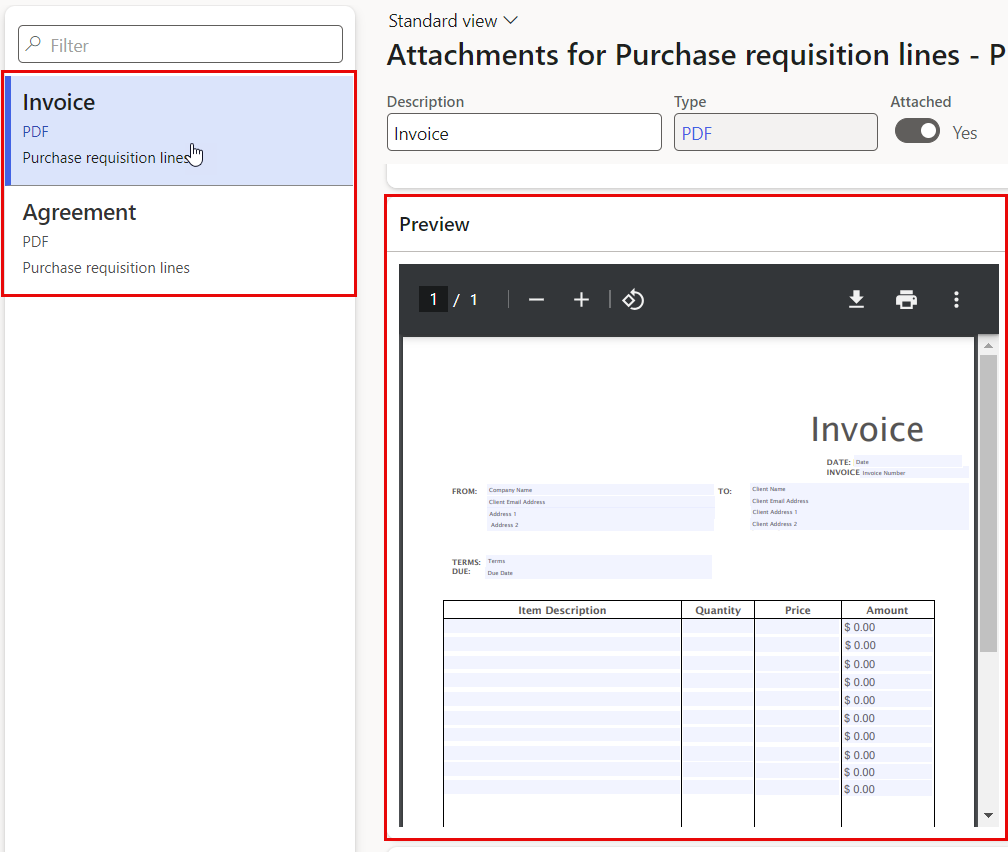
- You will see a list of attached files, click on the attached file you wish to view it, Nagivate to the Preview section to view the file.
2. Download Attachments
- Open the request containing the attachment you want to download.
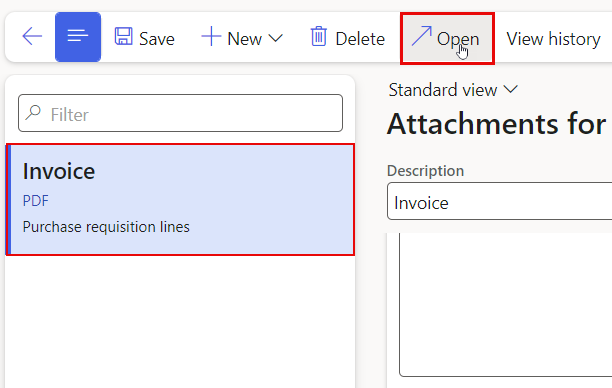
- In the "Attachments", locate the attachment to be downloaded.
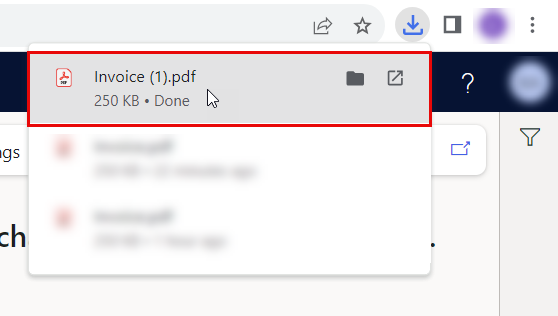
- Click on the Open icon.
- The file is now downloaded to your device.
3. Deleting Attachments
-
Open the request containing the attachment you want to delete.
-
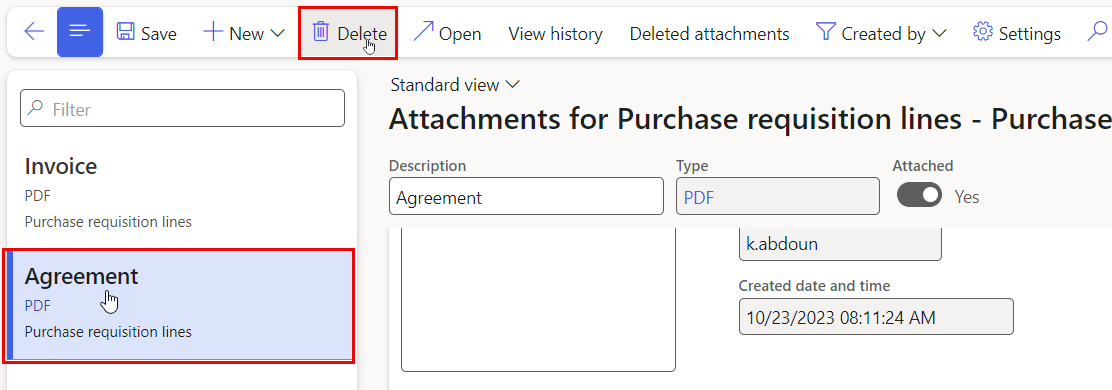
In the "Attachments", locate the attachment to be removed.
-
Click on the delete icon.
-
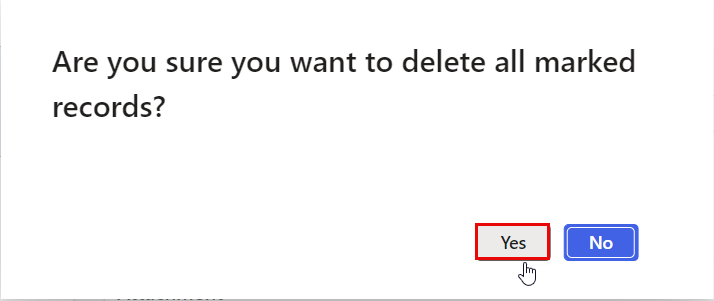
Click on "Yes" to confirm the deletion when prompted.
Was this article helpful?
Related articles
Finance and Procurement Process
Original source: https://it.ajman.ac.ae/docs/manage-attachments