


Update Your Personal Information
Published 12 Jul 2021Updated 12 Jul 20211 min read
You can update your personal information from the Personal Information section of the homepage, as explained below:
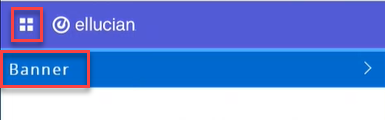
1- Click on the menu located on the left, then click on Banner.
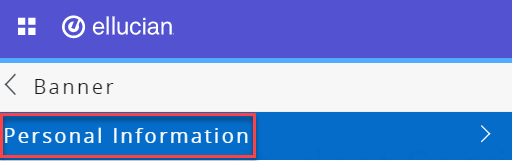
2- Click on Personal Information.
3- Click on Update Personal Information.
The personal information you can update include:
- Your marital status,
- Preferred first name,
- Add/update your address, and
- Add/update your emergenct contact.
Was this article helpful?
Related articles
Banner SIS
Original source: https://it.ajman.ac.ae/docs/faculty-update-personal-information