


Track Your Zoom Attendance Through AU Connect App
By Khadija AhmedPublished 28 Sept 2021Updated 17 Oct 20221 min read
To track your Zoom attendance through the app, please follow the below steps:
- Click on Login with AU Account.

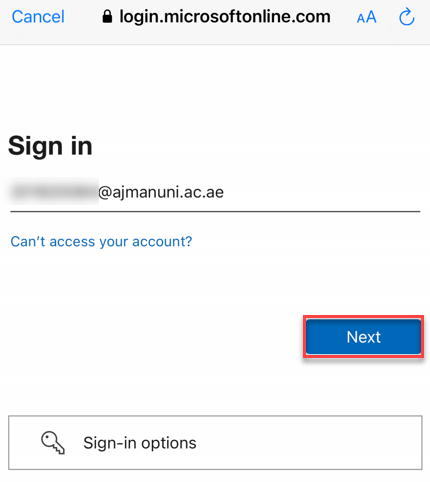
- Enter your AU email address, then click on Next.
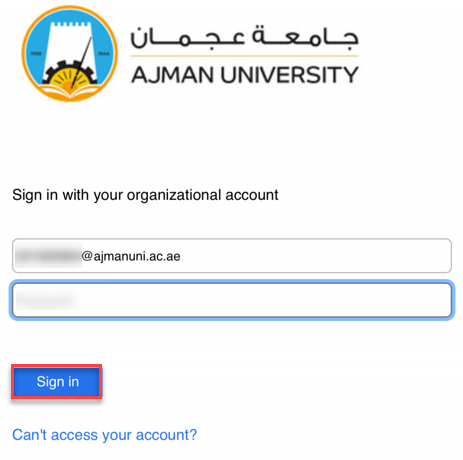
- Enter your Password, then click on Sign in.
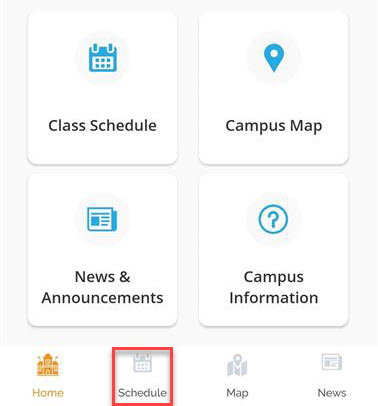
- Click on Schedule.
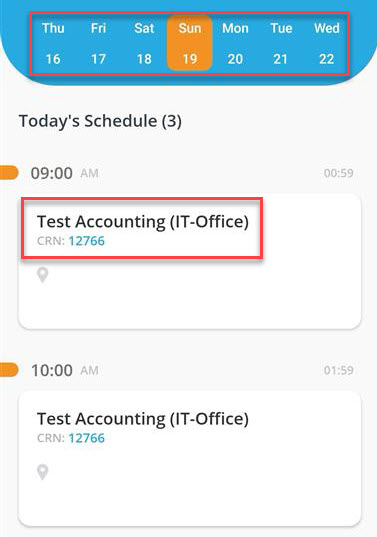
- Select the date then chose the class you’d like to track the attendance for.
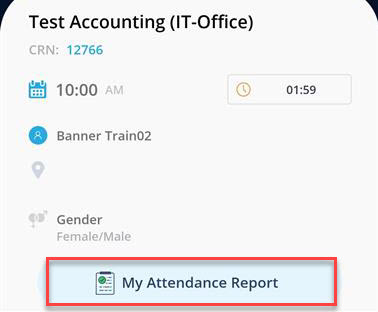
- Click on My Attendance Report.
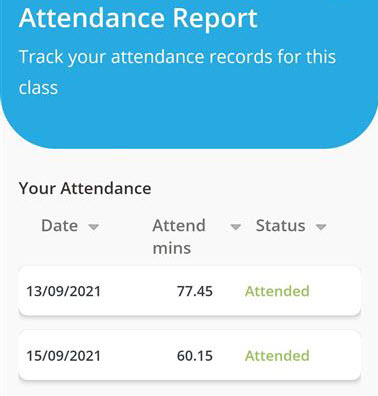
- Your attendance will appear as illustrated below:
Was this article helpful?
Related articles
AU Connect Mobile App
Original source: https://it.ajman.ac.ae/docs/zoom-attendance-au-connect-app-students