

Viewing My Payslips
By Khadija AhmedPublished 8 Sept 2024Updated 17 Sept 20241 min read
This section explains how to access your payslip through the Personal Information icon on your home page.
You can view your payslips by following the steps below:
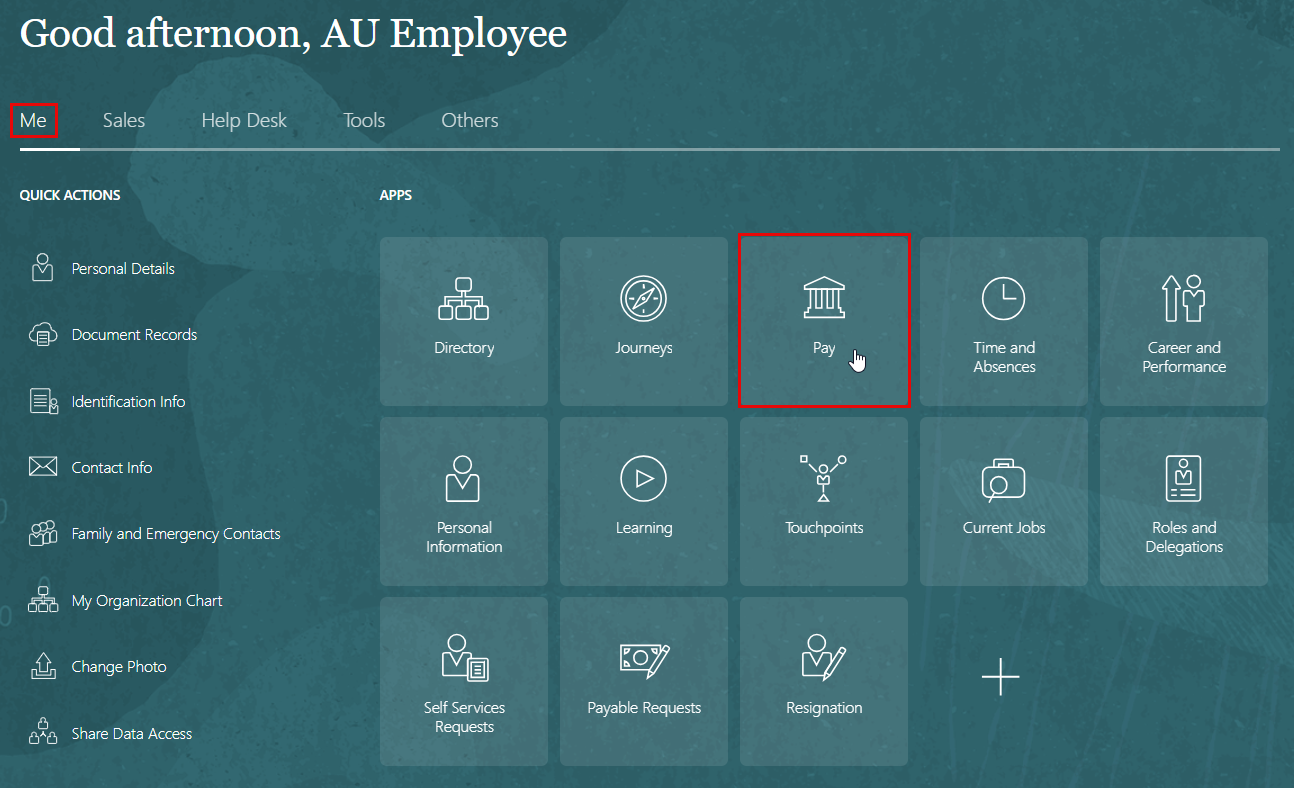
- On the Home page, click on "Pay".
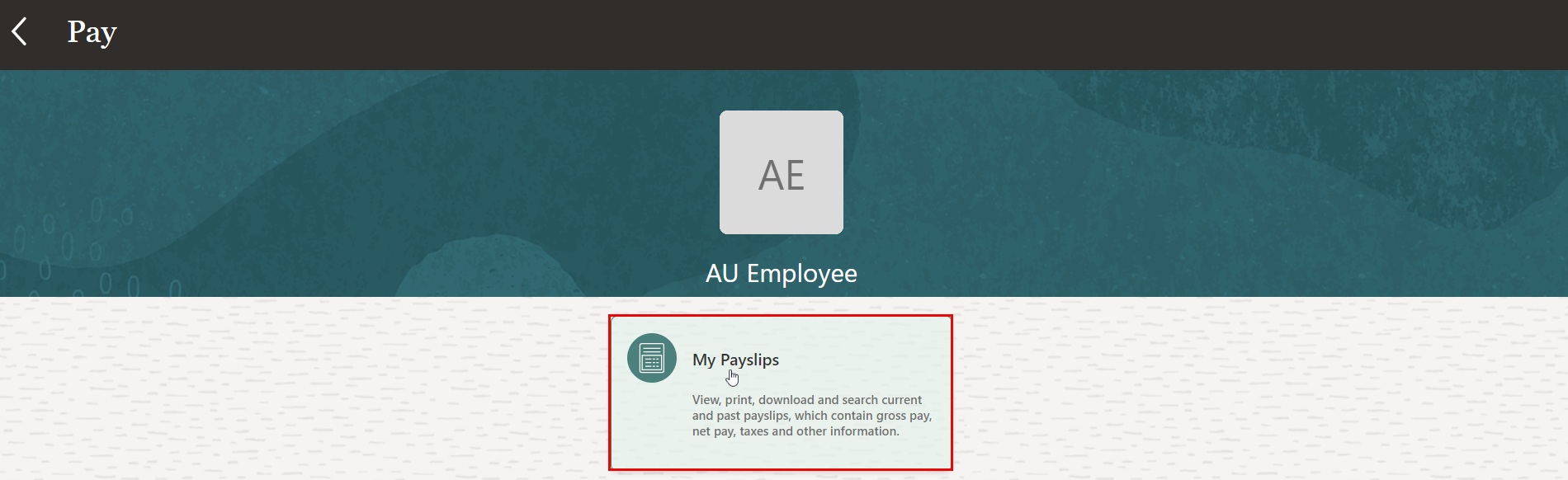
- On the Pay page, click the "My Payslips" tab.
Information displayed on the payslip is segregated into sections and contains the following:
- The first section displays your personal and job information.
- The second section displays the payroll period information.
- The next section has a summary of your Gross-to-Net details.
- The next sections give a breakdown of earnings, pretax deductions, taxes and other deductions.
Note:
You can print your payslip or save it to your computer. Your payslips are stored in the application and you can retrieve them at any time
Was this article helpful?
Related articles
Oracle HCM
Original source: https://it.ajman.ac.ae/docs/viewing-my-payslips