


View Your Grades
Published 27 Jun 2021Updated 27 Jun 20211 min read
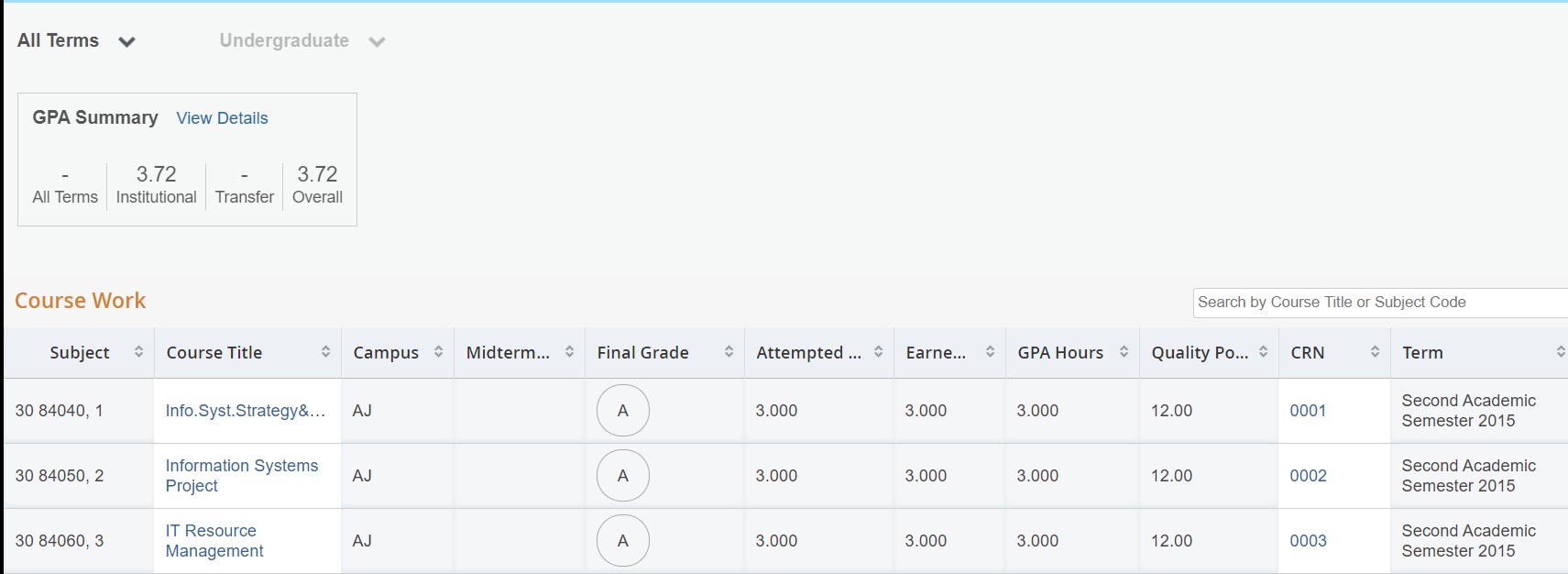
Once grades are released, you will be able to select the term and view your grades accordingly by following the below steps:
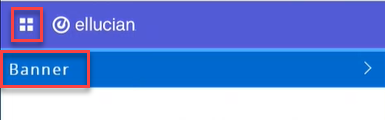
- Click on the menu located on the left, then click on Banner.
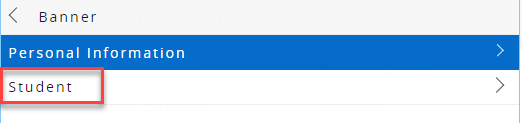
- Click on Student.
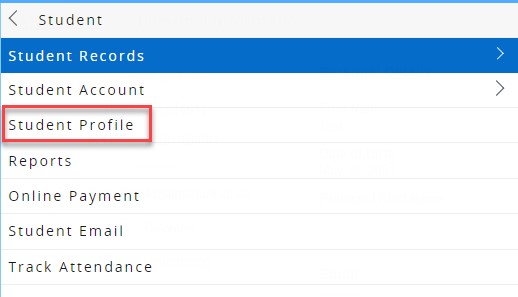
- Click on Student Profile.
- Click on View Grades.
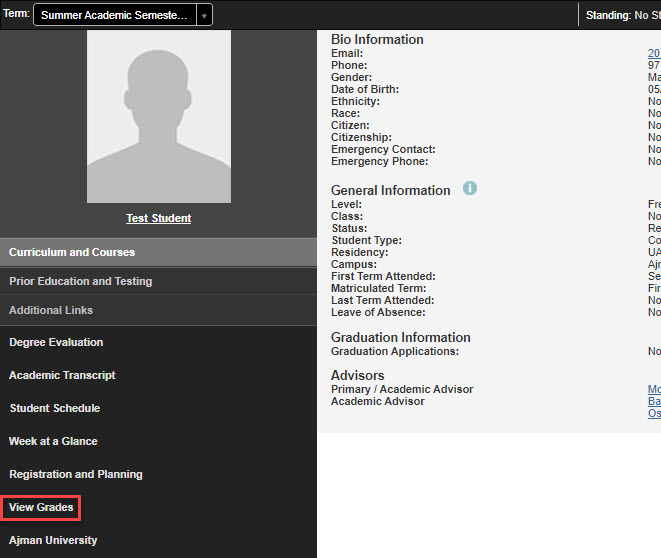
- Select the term and course level.
Was this article helpful?
Related articles
Banner SIS
Original source: https://it.ajman.ac.ae/docs/view-your-grades