


Update Your Personal Information
By Khadija AhmedPublished 30 May 2021Updated 19 Aug 20231 min read
You can update your personal information from the Personal Information section of the homepage, as explained below:
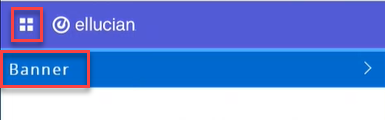
1- Click on the menu located on the left, then click on Banner.
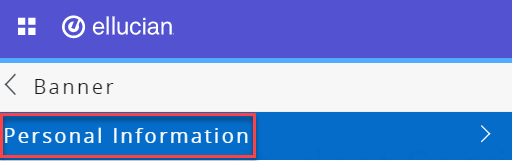
2- Click on Personal Information.
3- Click on Update Personal Information.
The personal information you can update includes:
- Your marital status.
- Preferred first name.
- Add/update your address.
- Add/update your emergency contact.
Note:
The primary mobile number is the number on which you will receive official notifications from the university. If you would like to update this mobile number, please contact the Office of Registration.Was this article helpful?
Related articles
Banner SIS
Original source: https://it.ajman.ac.ae/docs/students-update-personal-information