


View Your Student Schedule
By Khadija AhmedPublished 29 Jun 2021Updated 29 Jun 20211 min read
You can view your student schedule through the Student Profile, by following the below steps:
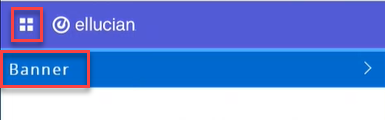
- Click on the menu located on the left, then click on Banner.
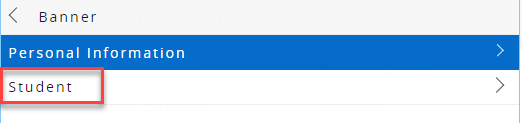
- Click on Student.
- Click on Student Profile.
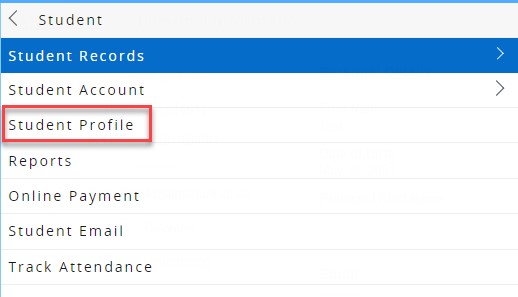
On the left side navigator, you can click on Student Schedule to view your class schedule for a specific term, or click on Week at a Glance to view a glance on your class schedule of a specific week during the term.
Was this article helpful?
Related articles
Banner SIS
Original source: https://it.ajman.ac.ae/docs/view-your-student-schedule