


View Your Grades Through AU Connect App
By Khadija AhmedPublished 18 Jan 2023Updated 19 Jan 20231 min read
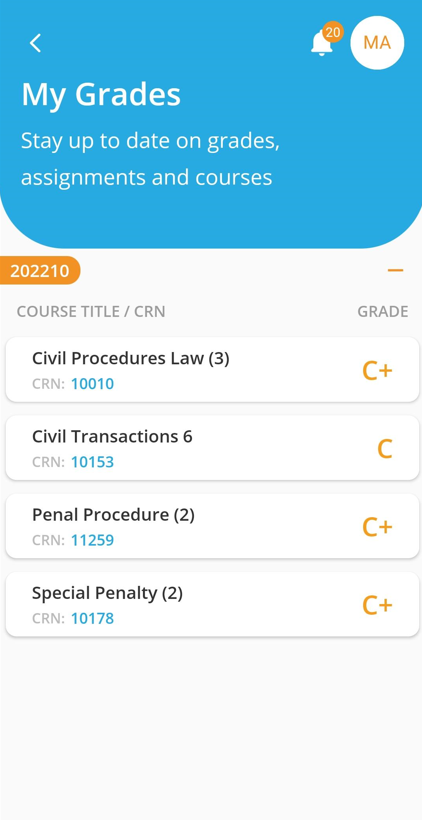
Once grades are released by the office of registration, you will be able to select the term and view your grades accordingly in AU Connect App by following the below steps:
- Log in to the AU Connect App as demonstrated here.
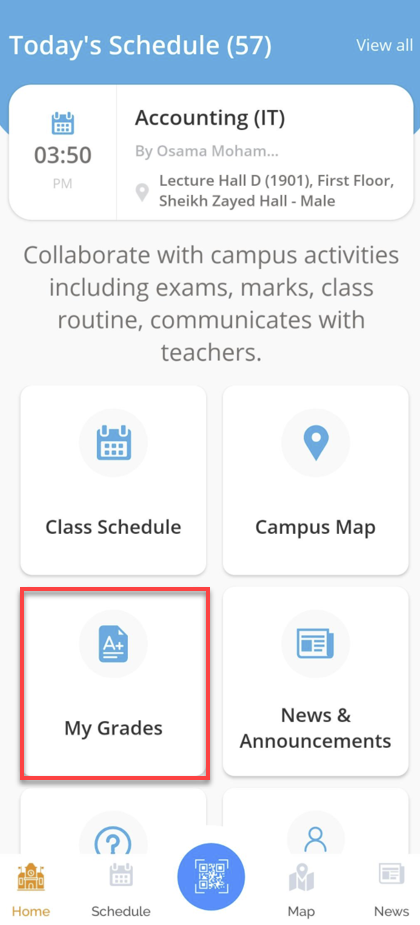
- Click on My Grades.
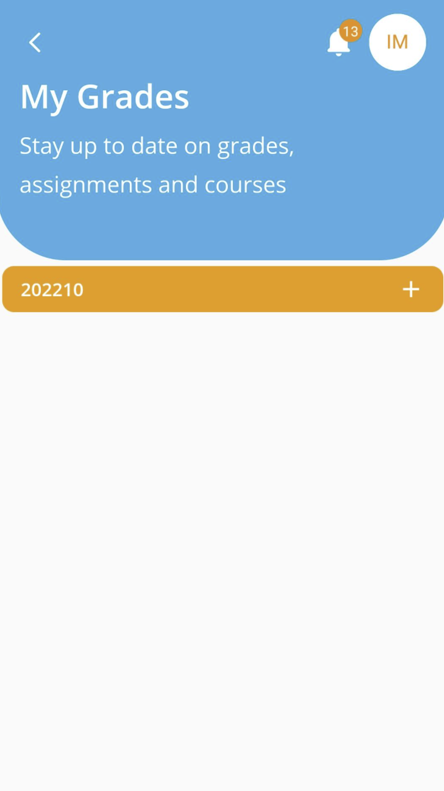
- Select the Term, and the App will display your Grades.
Was this article helpful?
Related articles
AU Connect Mobile App
Original source: https://it.ajman.ac.ae/docs/view-your-grades-1