


View Timetable
By Khadija AhmedPublished 30 Aug 2022Updated 17 Oct 20241 min read
You can view your timetable by following below steps:
-
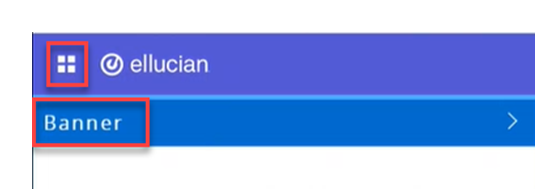
Click on the menu located on the left, then click on Banner.
-
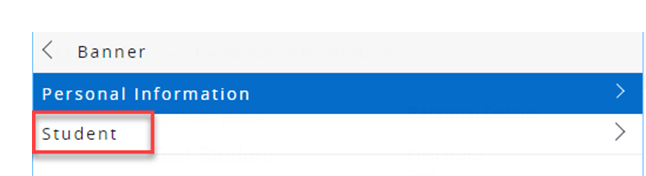
Click on "Student".
-
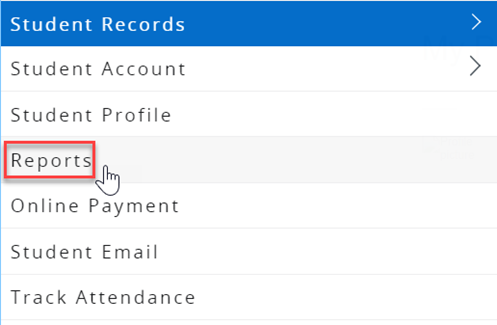
Click on "Reports".
-
You will be directed to another page, where you can click on "Timetable" to view your timetable.
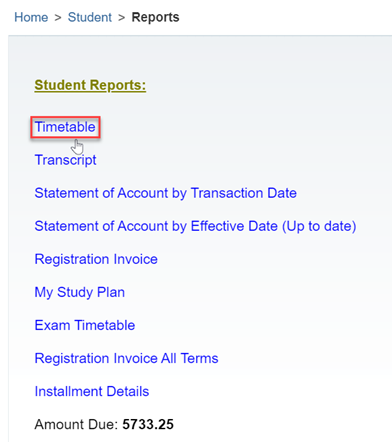
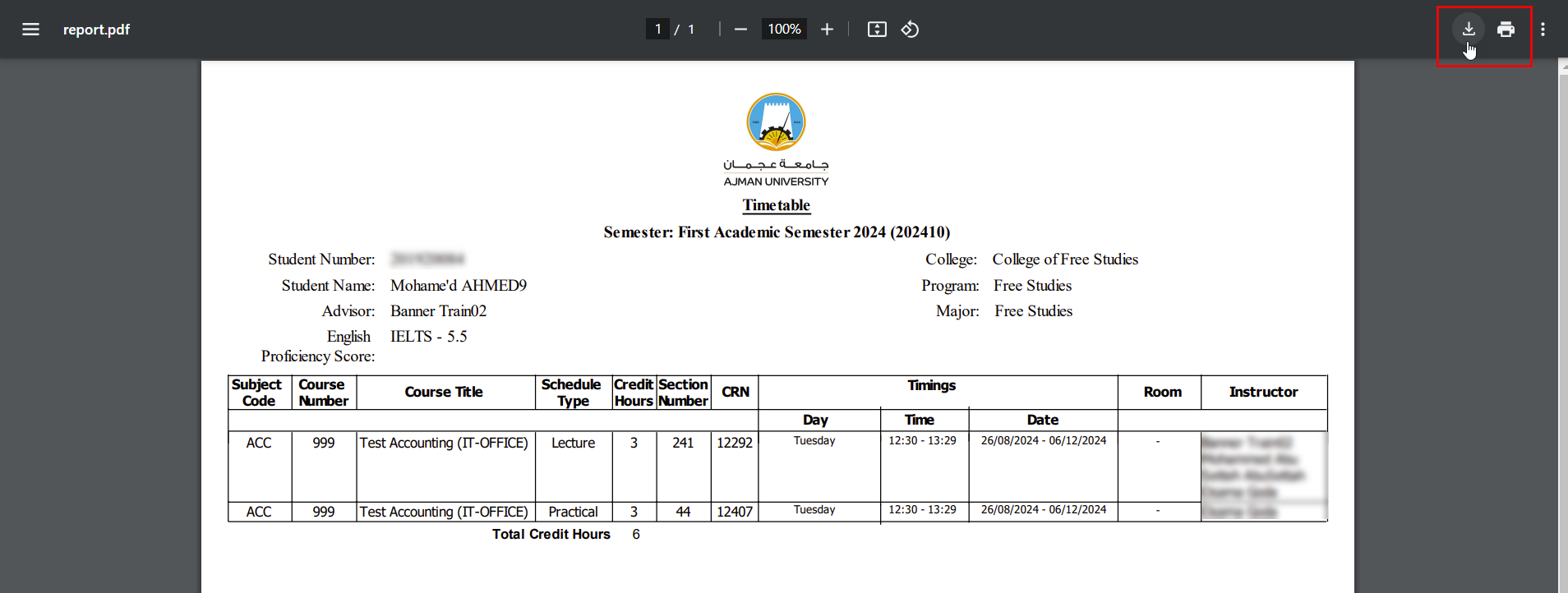
Another page will be opened where you can see, save and print your time table.
Was this article helpful?
Related articles
Banner SIS
Original source: https://it.ajman.ac.ae/docs/view-timetable