


View Online Exam Results
By Khadija AhmedPublished 11 Oct 2024Updated 3 Jul 20251 min read
You can view quiz results anytime after students start their attempts. However, it’s best to wait until the quiz closes to see all students’ results at once. To do this, follow these steps:
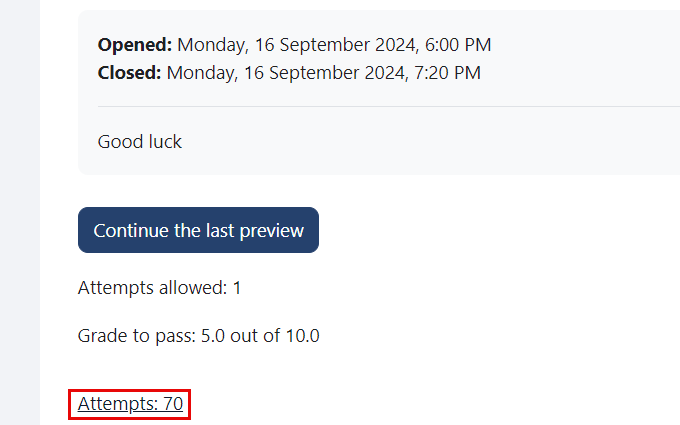
- Inside the course, click on the quiz.
- Click on the Attempts.
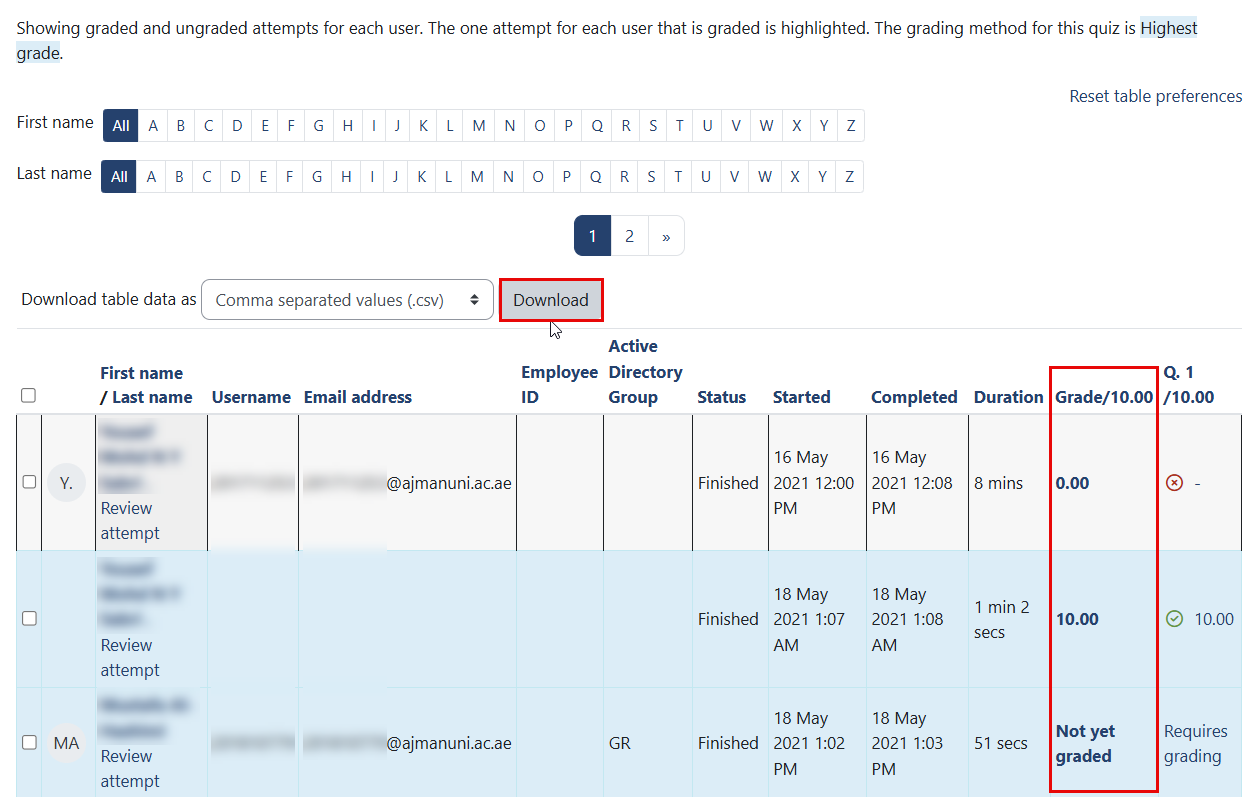
- The students’ grades will be displayed. To download all the grades in table format, click the Download button.
Note:
You can open the file using Microsoft Excel. Since the file contains detailed information, it is recommended to delete any unnecessary columns and keep only the student name, ID, and grade.
Was this article helpful?
Related articles
Online Exams for Faculty
Original source: https://it.ajman.ac.ae/docs/view-online-exam-results-1