


View AU News Through AU Connect App
By Khadija AhmedPublished 16 Dec 2021Updated 15 Jan 20241 min read
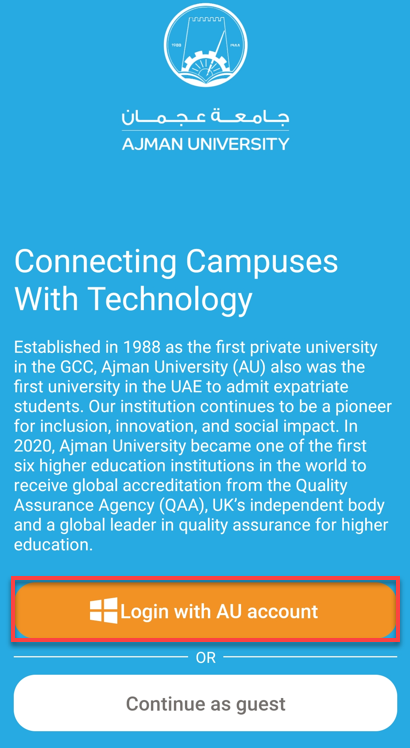
- Click on Login with AU Account.
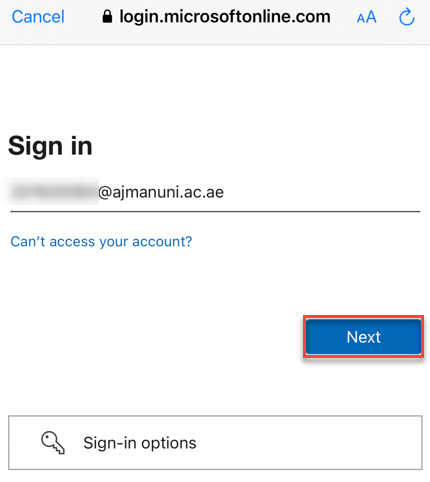
- Enter your AU email address, then click on Next.
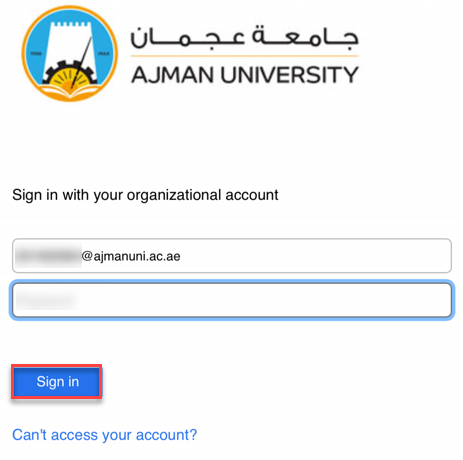
3. Enter your Password, then click on Sign in.
4. You may click on Campus Information to show campus-related information or you may click on News to view AU News.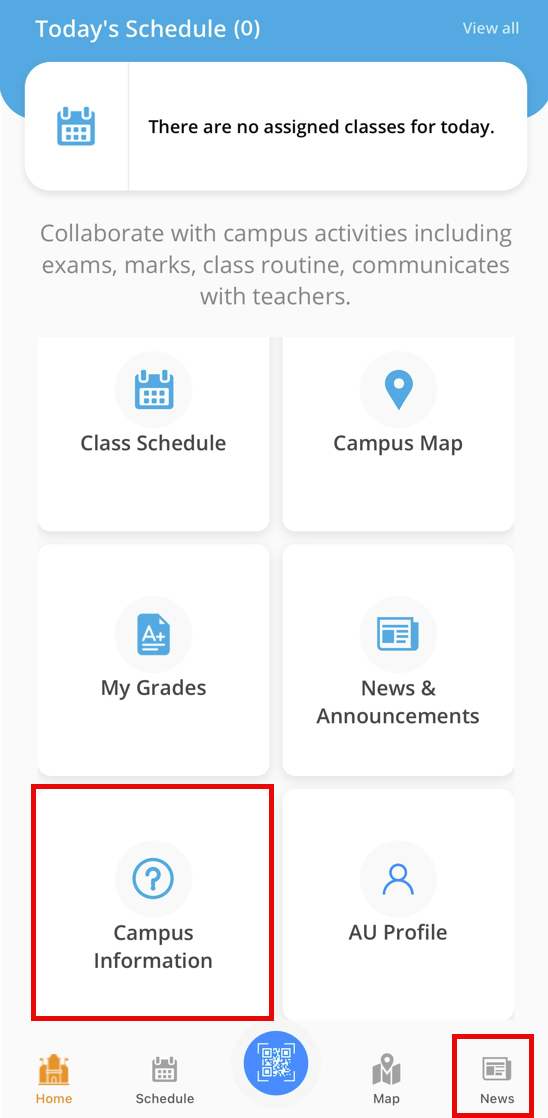
The News button Shows news provided by AU for its community. You may click on the title to view the details.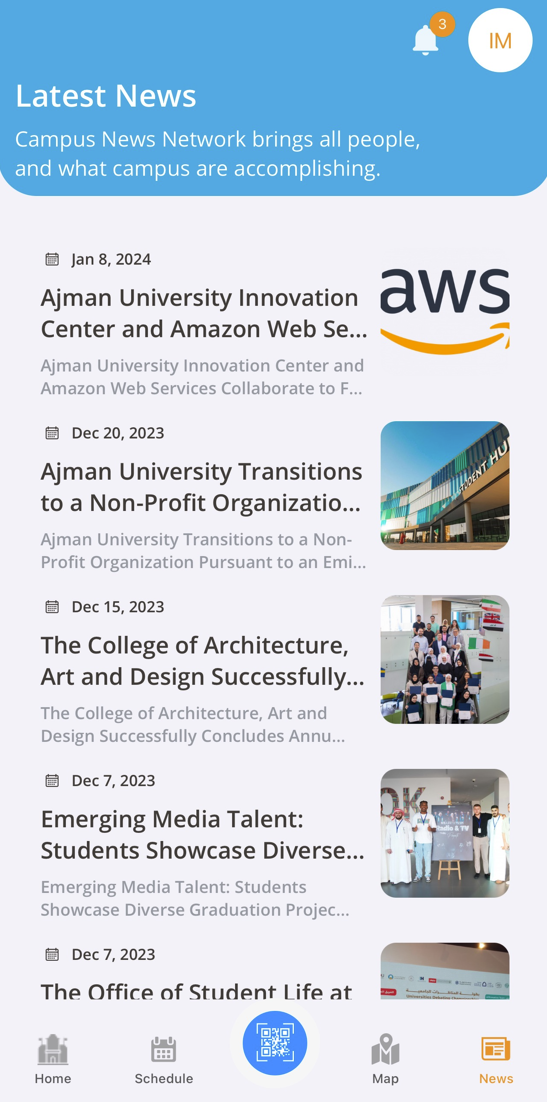
Note:
The AU-Connect App will display news in alignment with published news on the AU website.Was this article helpful?
Related articles
AU Connect Mobile App
Original source: https://it.ajman.ac.ae/docs/view-au-news-through-au-connect-app-1