


Submit Admission Application
By Khadija AhmedPublished 18 May 2022Updated 13 Jun 20221 min read
You can submit your application once you are done with filling up your application by following the below steps:
-
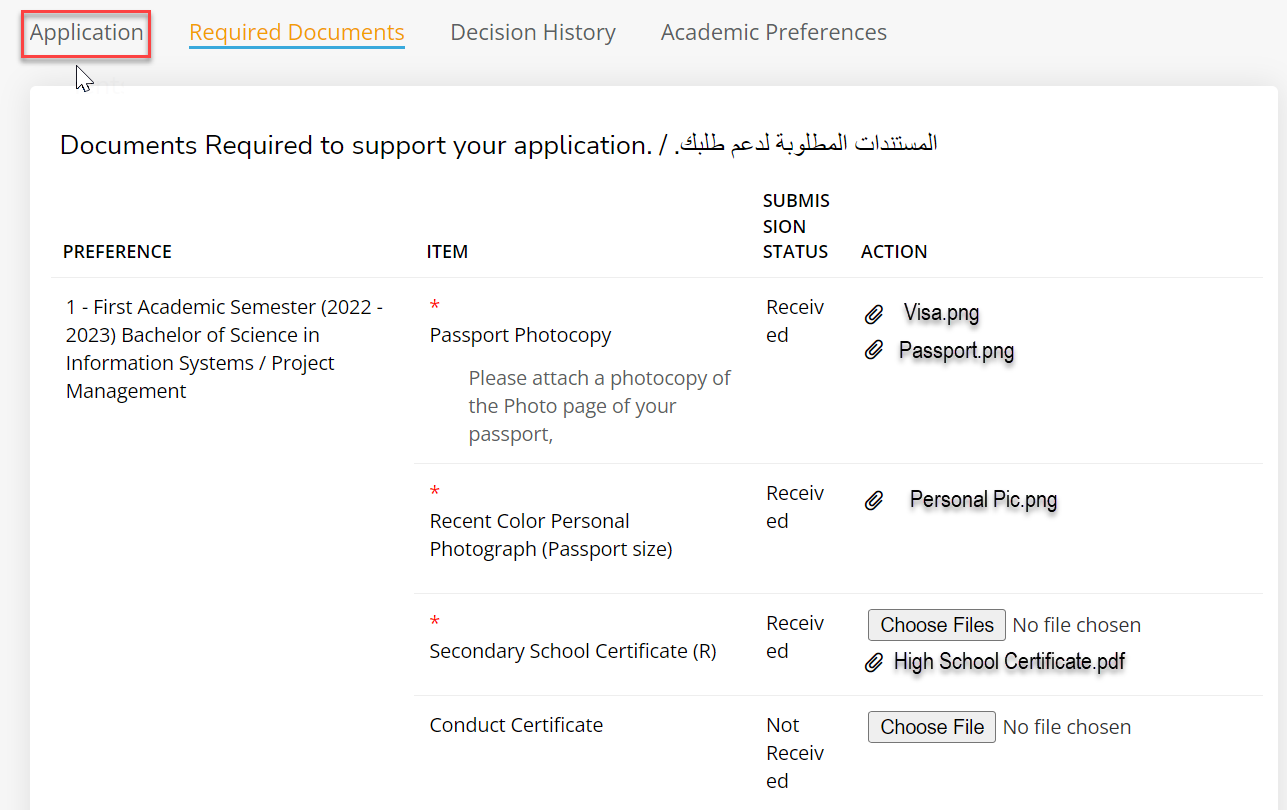
Click on “Application”.
-
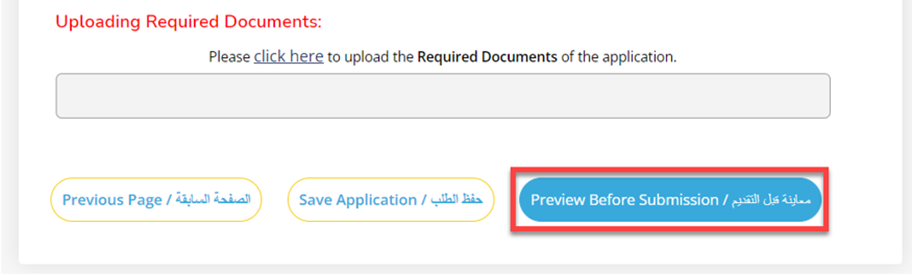
Click on “Preview before submission” button which is visible in “Signature” tab.
-
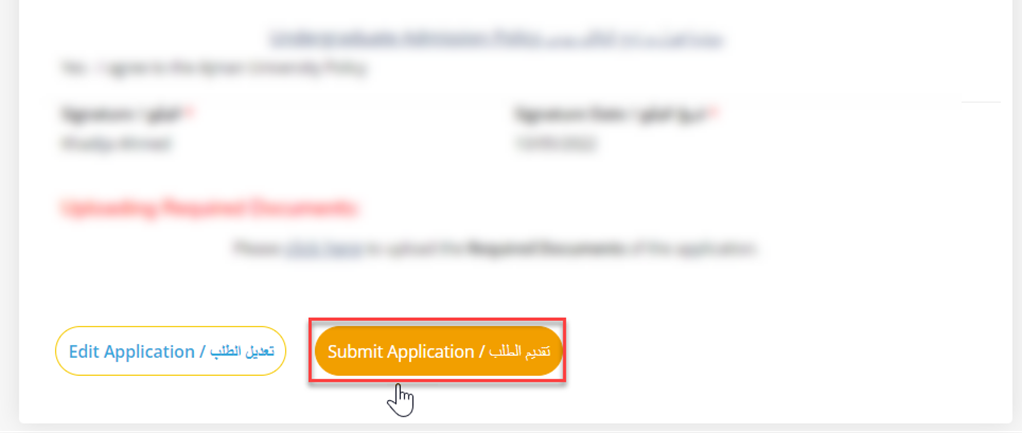
Submit application.
-
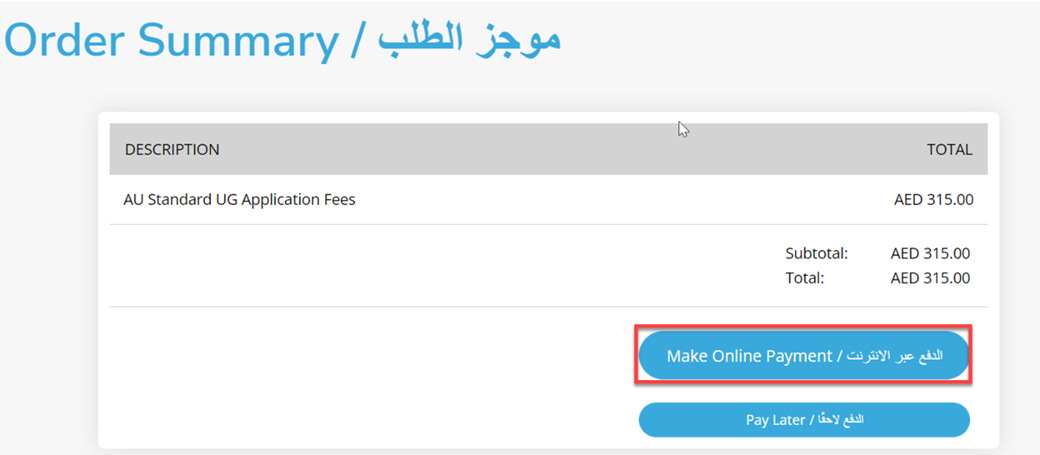
Order summary page will be opened, click on “Make online payment” to pay the application fees.
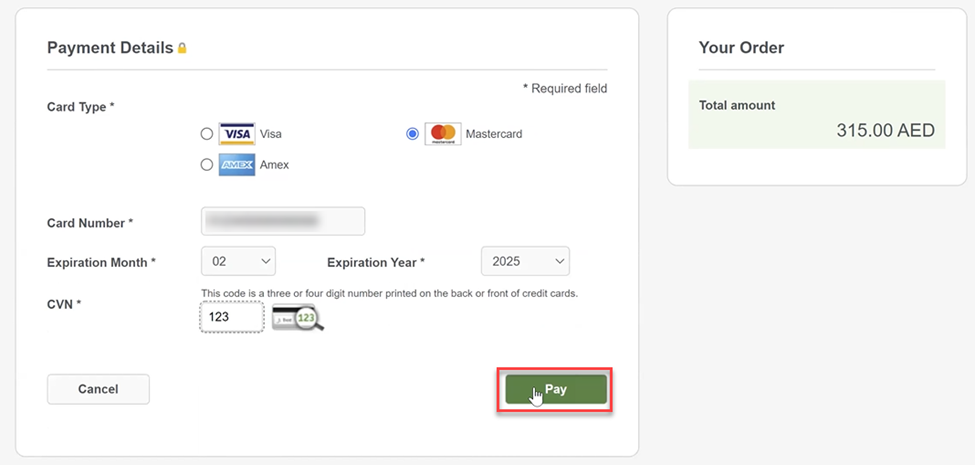
- Fill up the card details, then click on “Pay” once done.
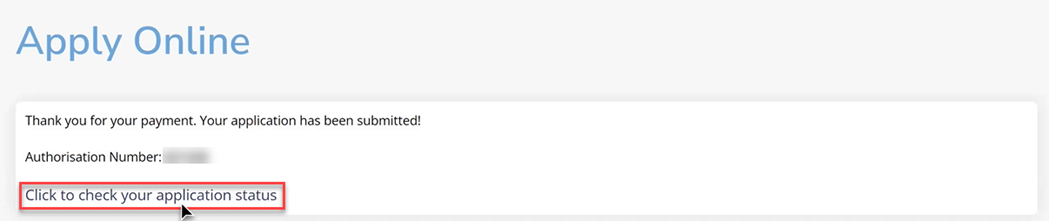
Your application and payment are submitted successfully, you can view your application status by clicking on the link.
Was this article helpful?
Related articles
Admission System (Apply Online)
Original source: https://it.ajman.ac.ae/docs/submit-the-application