


Sign in to your account
By Khadija AhmedPublished 18 May 2022Updated 19 May 20221 min read
You can log in to your account by following the below steps:
-
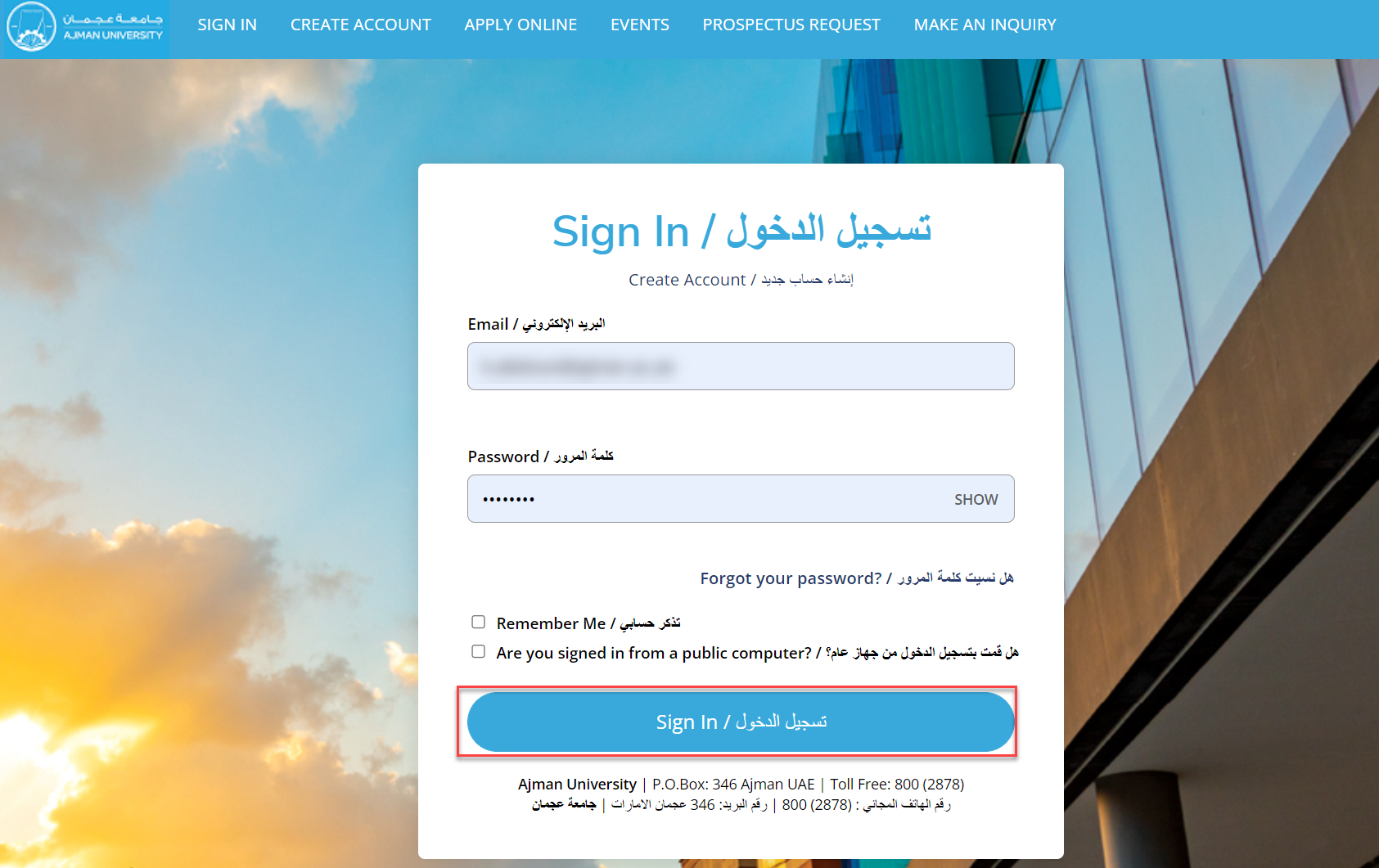
Go to Admission system Portal via link
(https://ajmanacae.elluciancrmrecruit.com/Apply/Account/Login) -
Sign in using your registered E-mail address and password, then click on Sign In.
Note: In case you do not have an account, refer to previous article (Create new account).
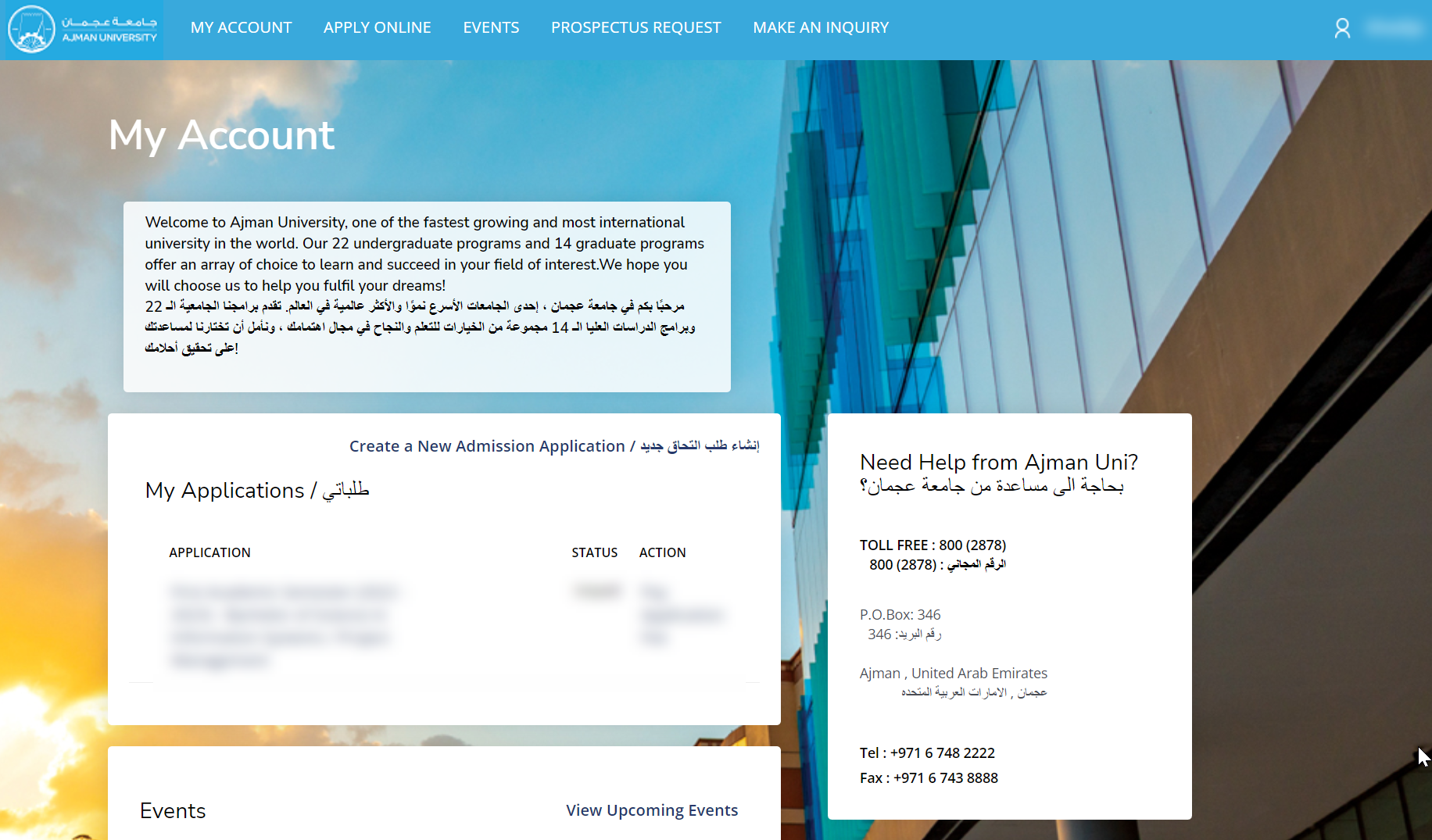
You will be directed to the Home page of admission portal where you can get started.
Was this article helpful?
Related articles
Admission System (Apply Online)
Original source: https://it.ajman.ac.ae/docs/sign-in-to-your-account