


Access the Recordings for Faculty
Published 7 Jul 2021Updated 26 Jul 20211 min read
Watch our video tutorial about renaming the recordings below:
To view the class recordings, go the course and click on Zoom activity, and then click on Cloud Recordings as illustrated below: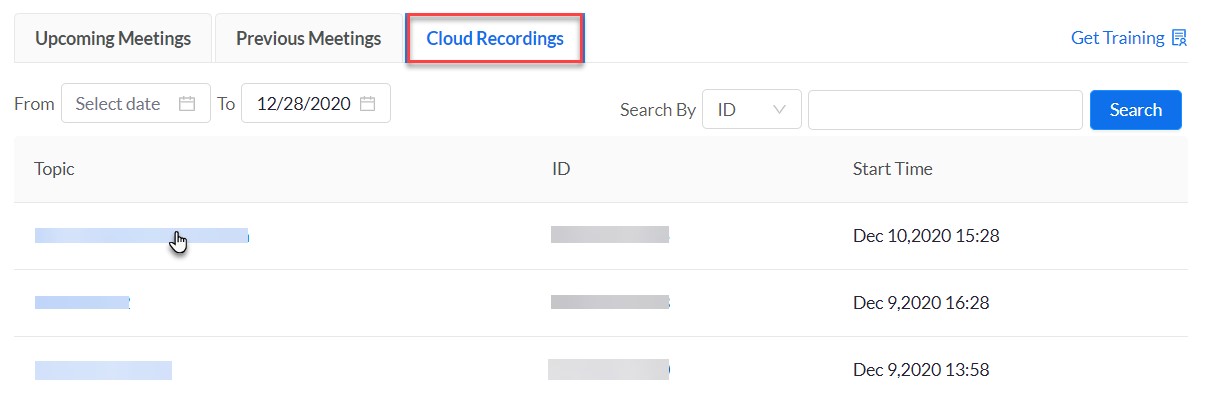
In this tab you will be able to filter the recordings by date range and search by ID, and you can watch them.
Note:
The sessions are recorded automatically once you enter the virtual room.Was this article helpful?
Related articles
Zoom
Original source: https://it.ajman.ac.ae/docs/faculty-access-the-recordings