


Access Your Student Profile
The student profile is part of the Student category and includes: Bio information, general information, graduation information, advisors, curriculum, hours and GPA, registered courses details, and other details. To access the Student Profile, please follow the below steps:
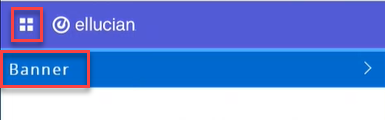
- Click on the menu located on the left, then click on Banner.
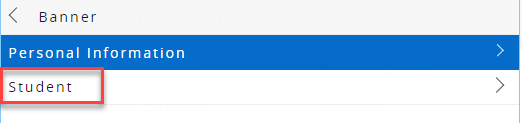
- Click on Student.
- Click on Student Profile.
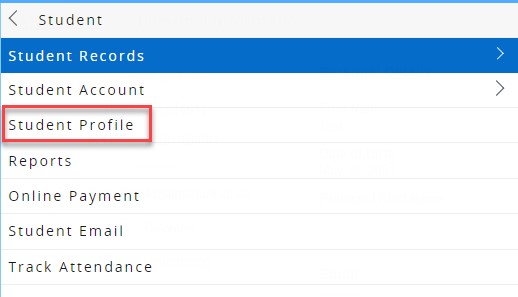
On the left side navigator, you will be able to view the following:
Prior Education and Testing
You will be able to view here your secondary, post-secondary education, and testing records like: IELTS, and AMST scores.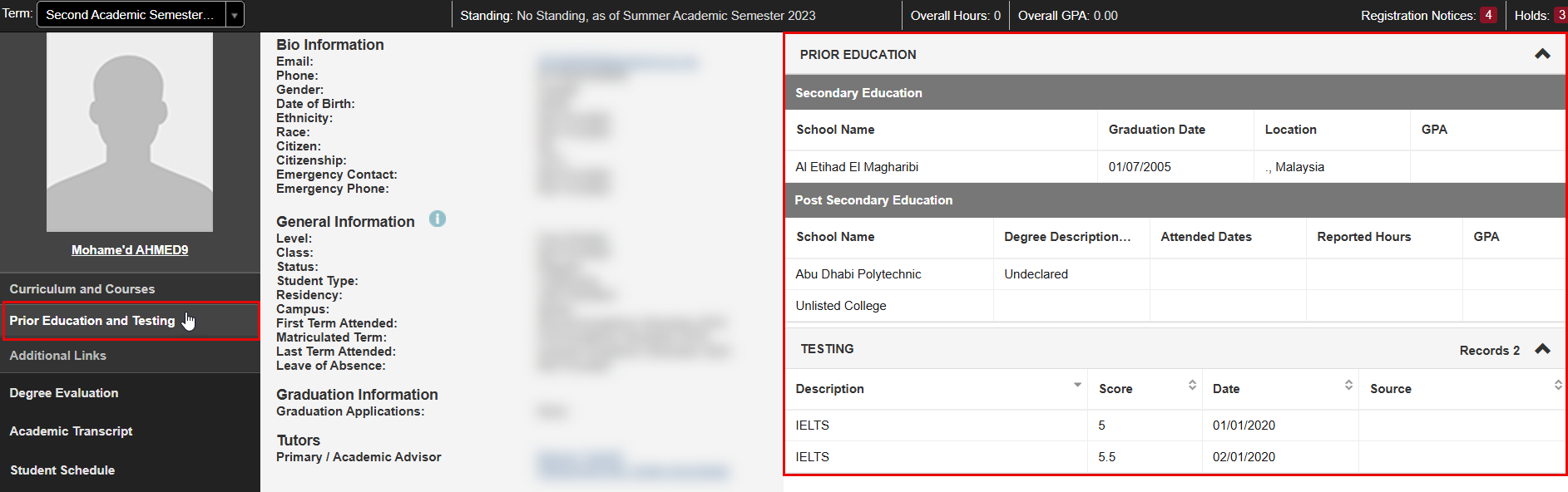
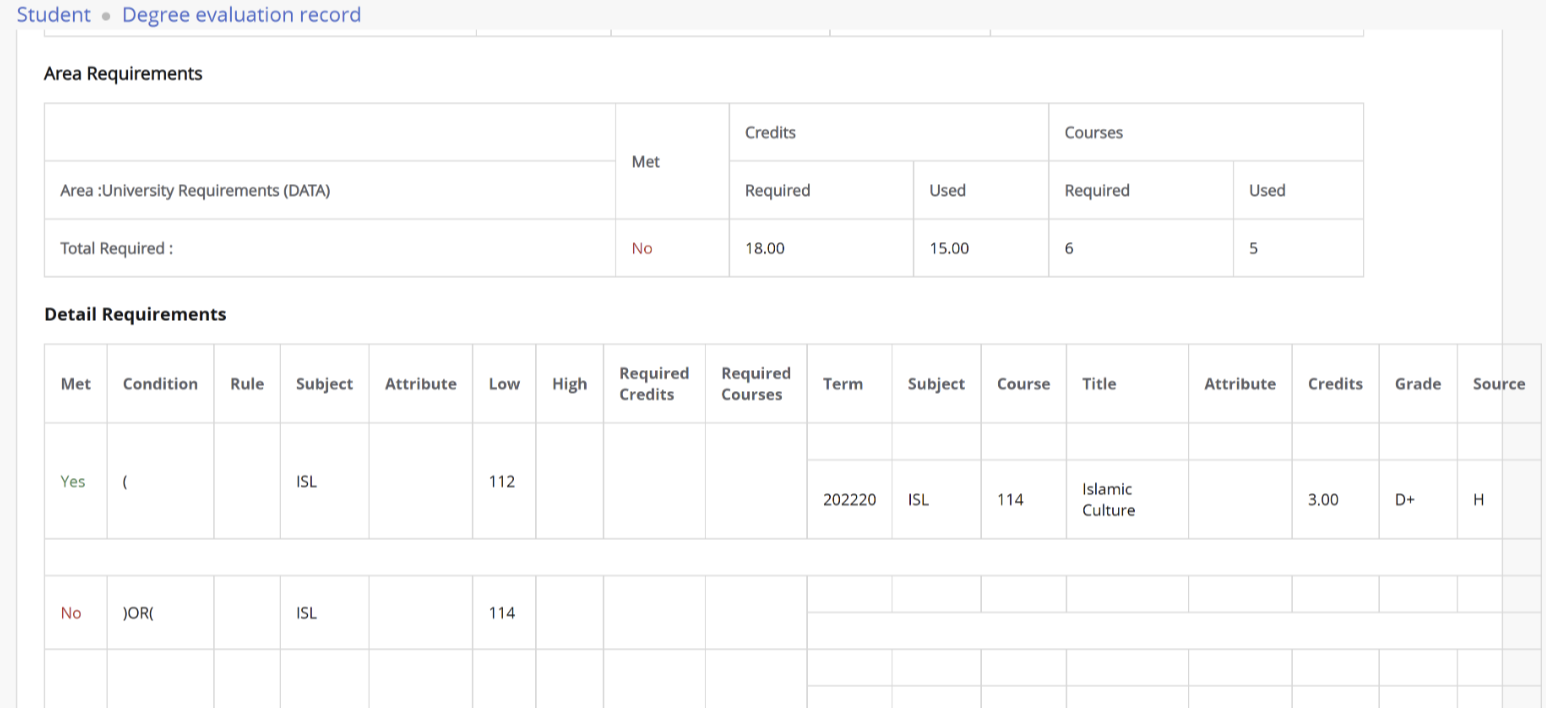
Degree Evaluation
You can evaluate your degree by selecting Generate New Evaluation, then selecting your program and term.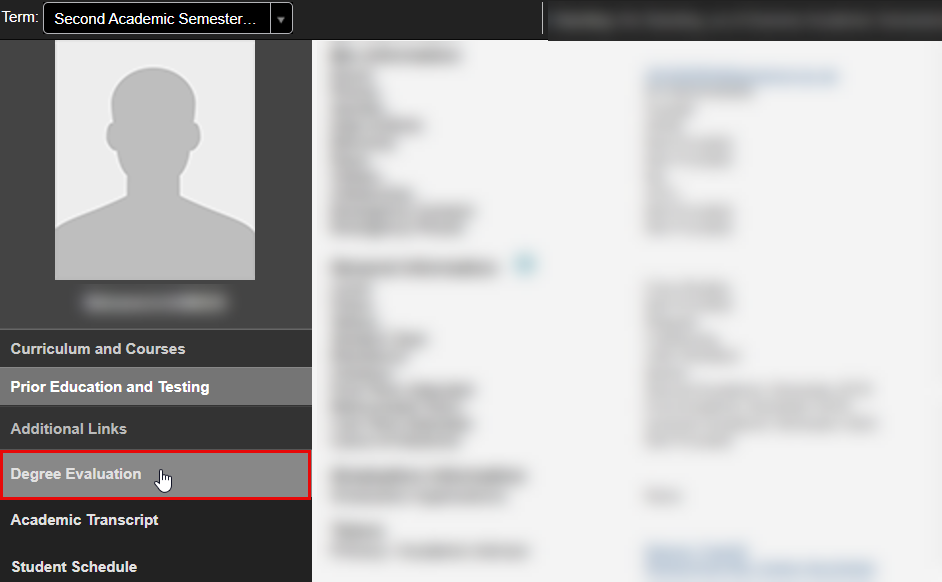
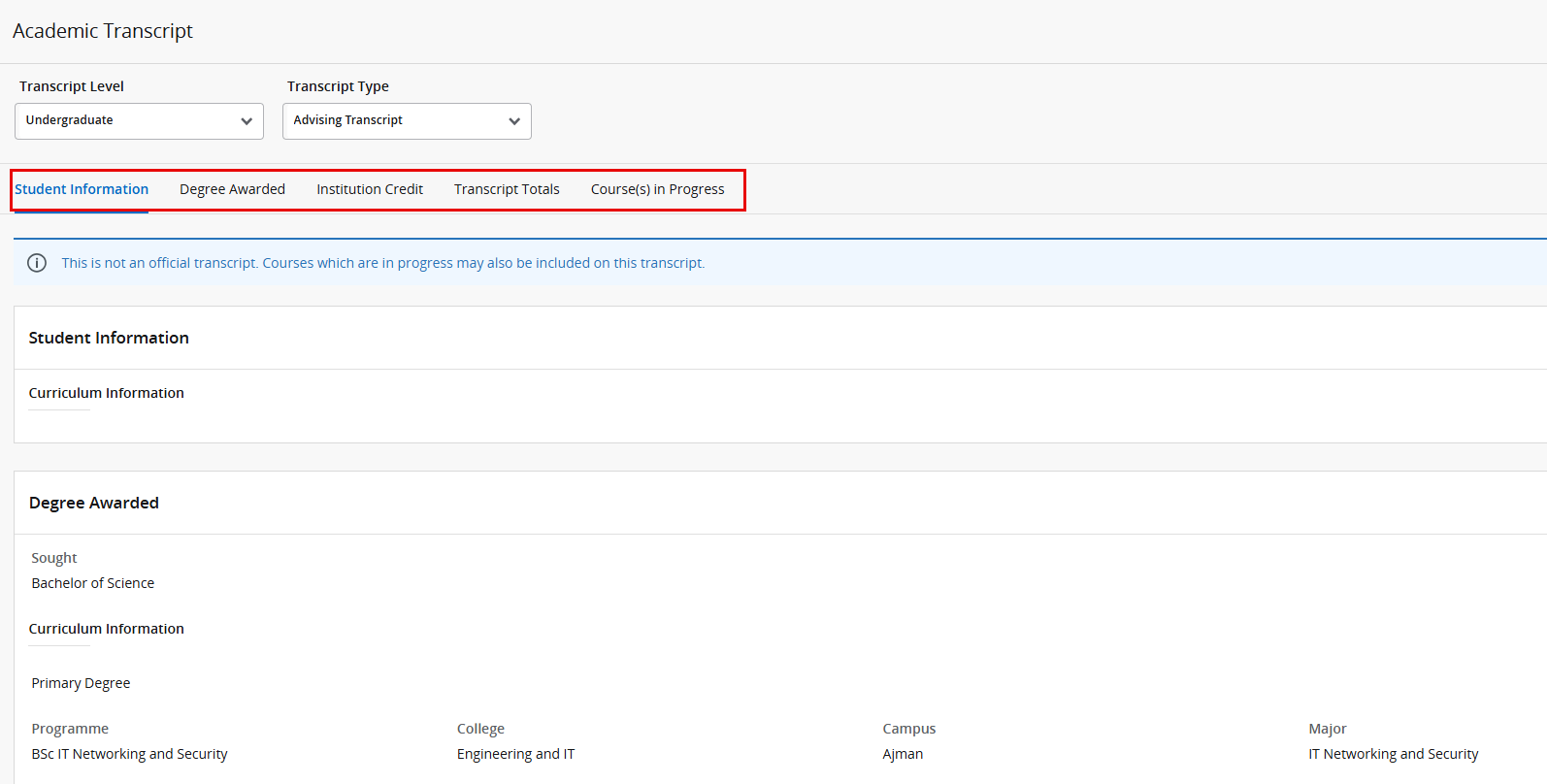
Academic Transcript
You can view a non-official copy of your transcript. Select "Academic Transcript," and you will be directed to another page. From there, choose the transcript level and type.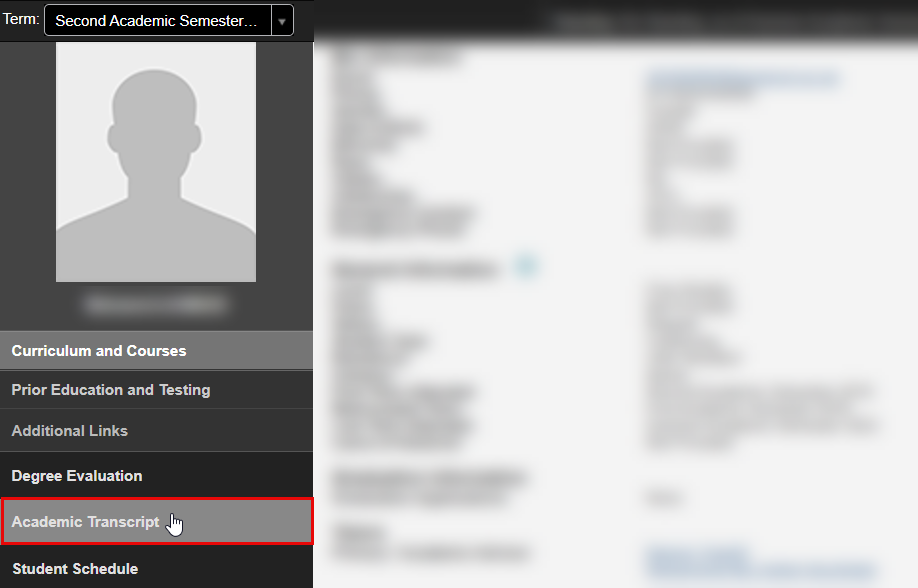
Student Schedule
You can view your class schedule for a specific term. Simply select the desired term and click on "Student Schedule" to access it. 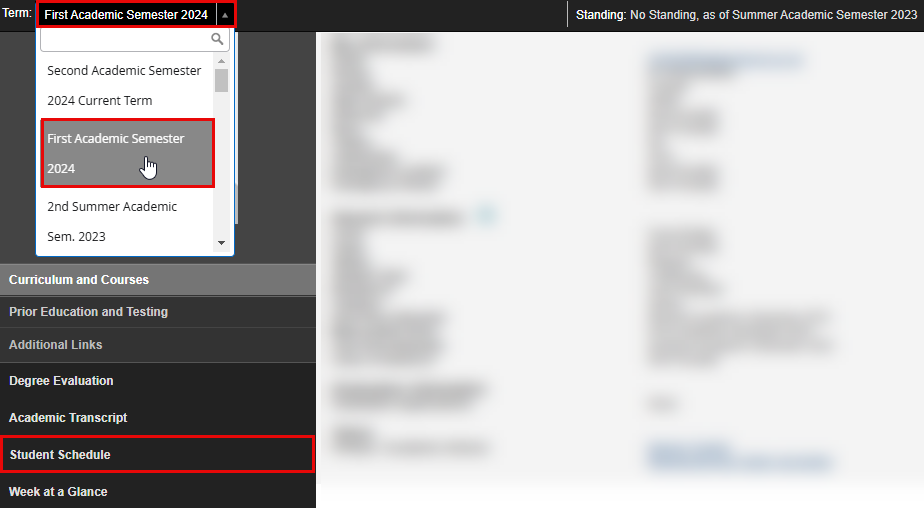
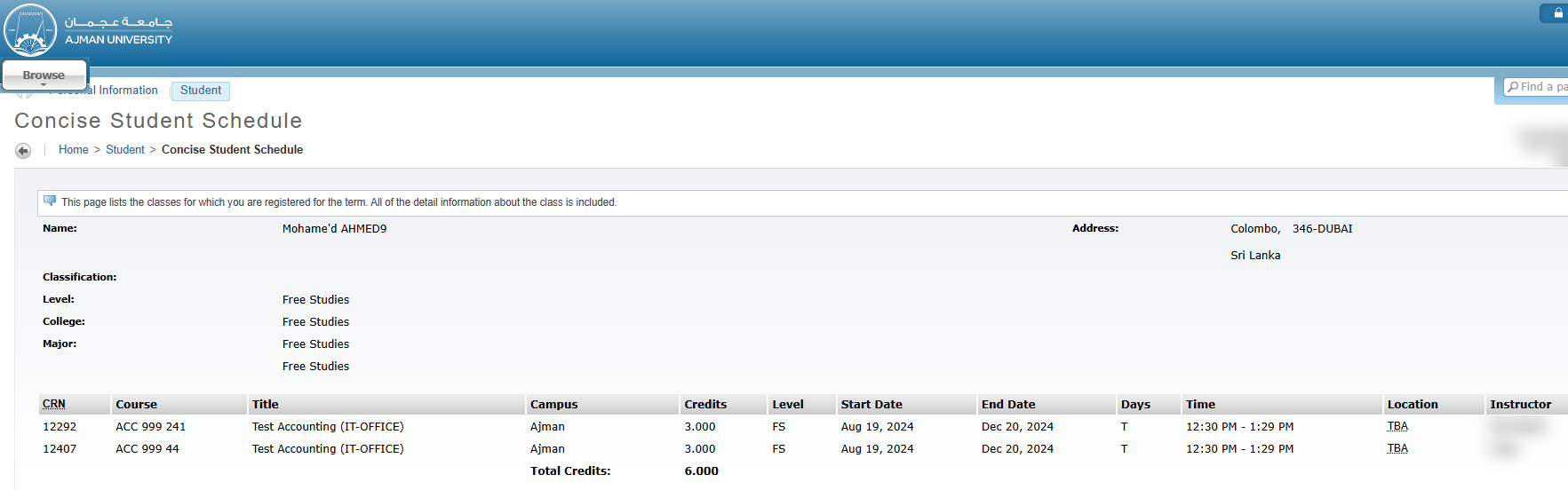
Week at a Glance
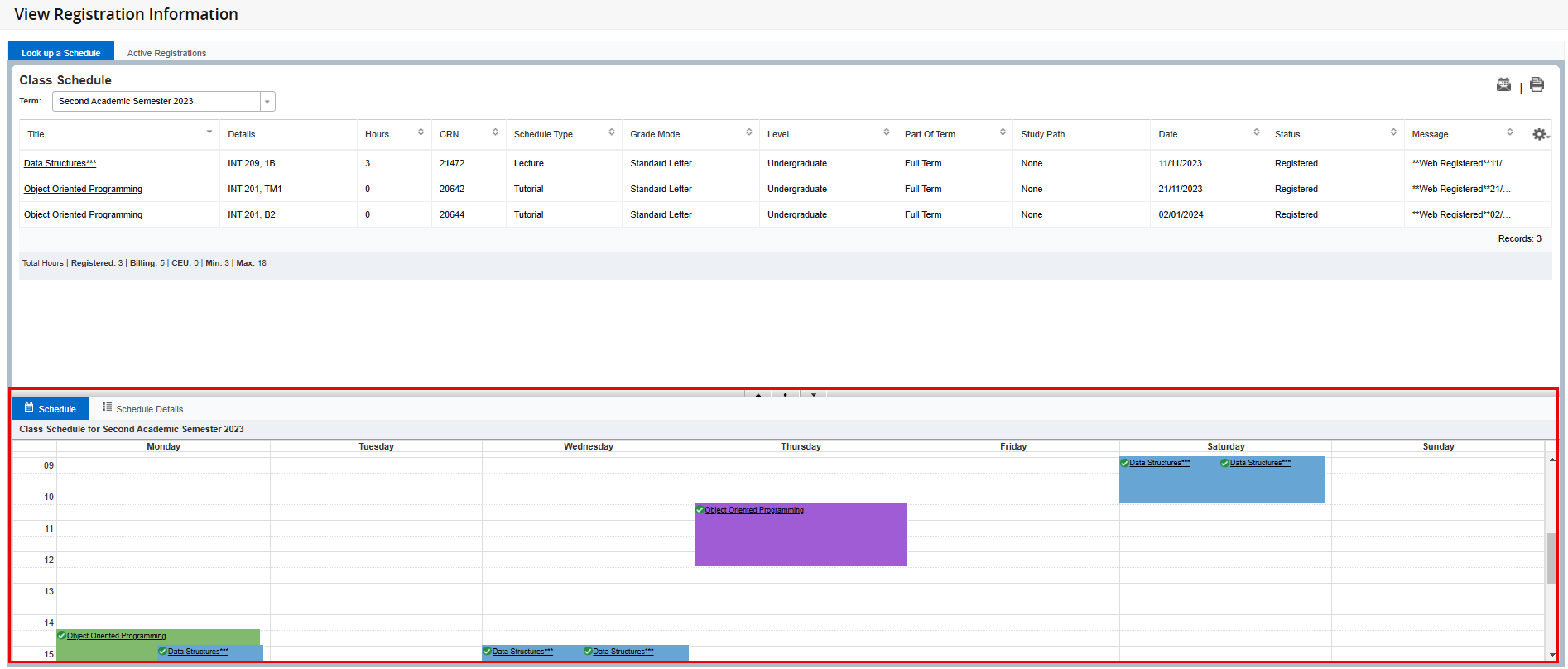
You can view a glance on your class schedule of a specific week during the term.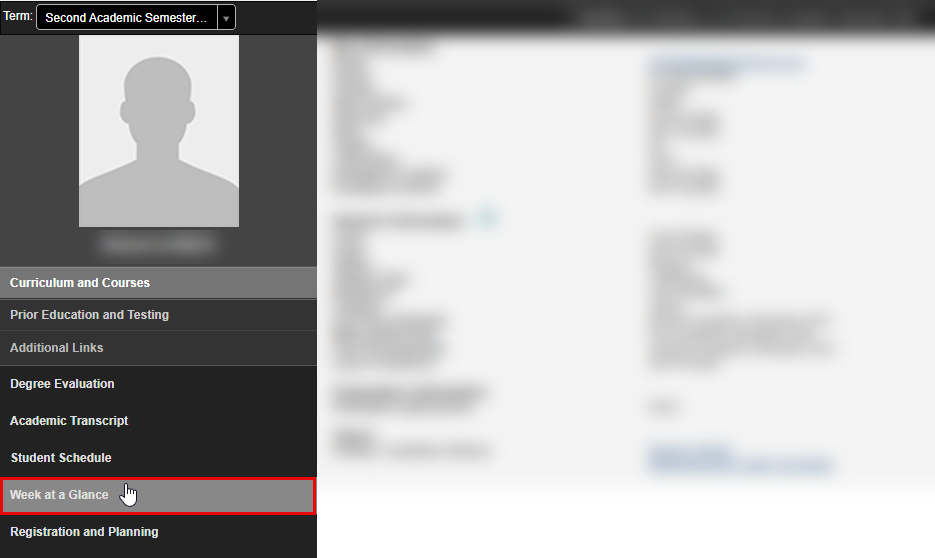
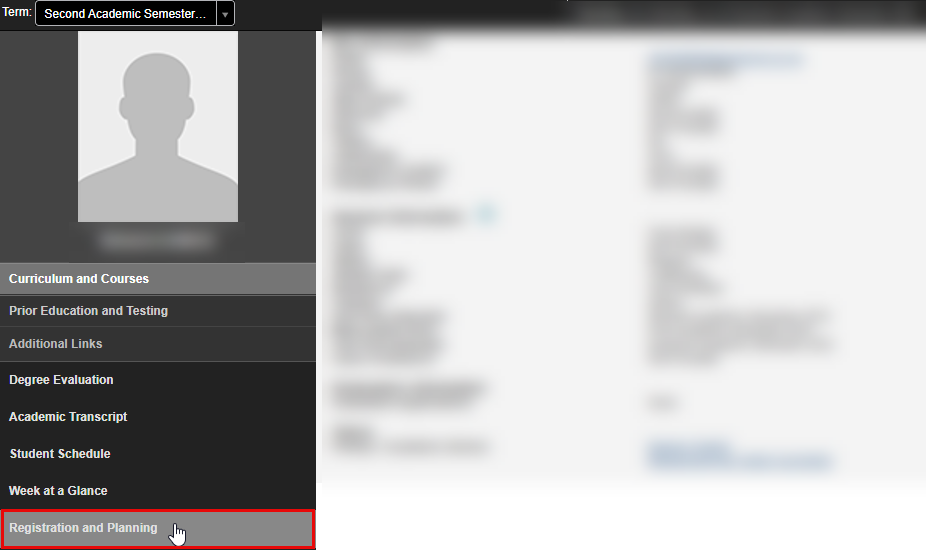
Registration and Planning
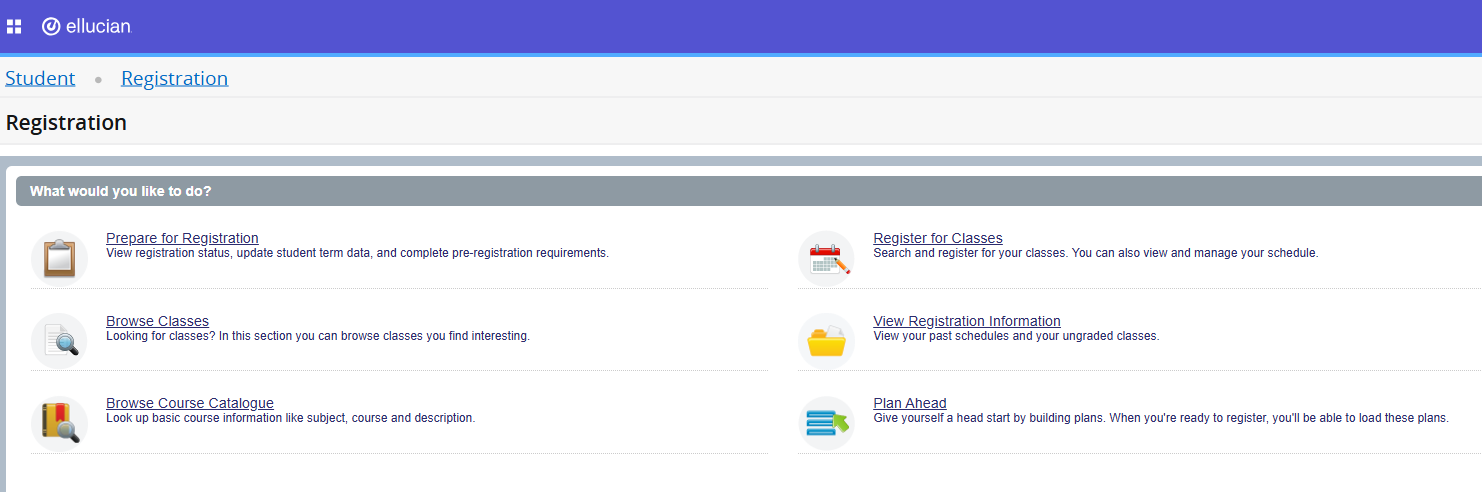
In this section you will be able to:
- View the class schedule based on different criteria for a specific term through Browse Classes feature.
- View the course summary for a specific term through Browse Course Catalogue feature.
- Create your plan for next term through Plan ahead feature. To learn how to use the Plan Ahead feature, please check this article.
- Register for classes. To learn how to browse for classes, register them, drop classes, and view your registration information, please check the Class Registration category.
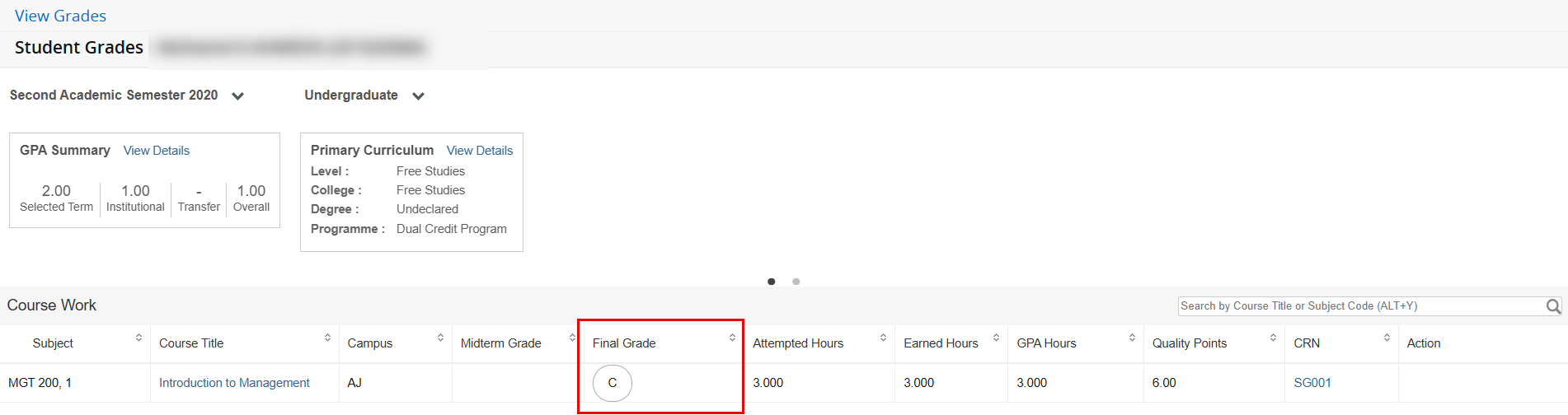
View Grades
Once grades are released, you will be able to select the term and view your grades accordingly.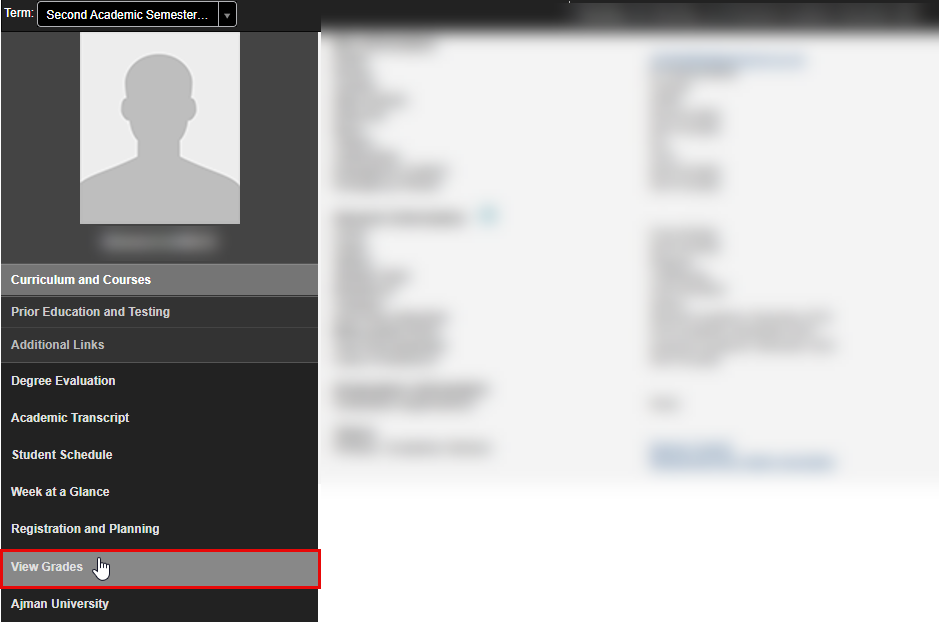
Was this article helpful?
Related articles
Banner SIS
Original source: https://it.ajman.ac.ae/docs/access-your-student-profile