


Access the Recordings for Students
By Khadija AhmedPublished 24 Jun 2021Updated 16 Sept 20261 min read
- To view the class recordings, go the course and click on Zoom activity, and then click on Cloud Recordings as illustrated below:
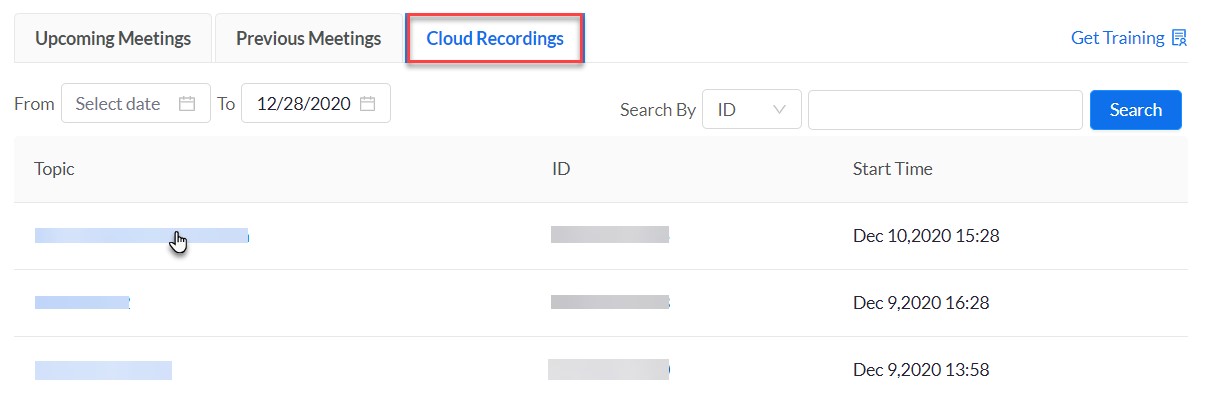
In this tab you will be able to filter the recordings by date range and search by ID, and you can watch them.
- You will be redirected to Zoom, where you will be prompted to sign in. Please make sure to sign in using Single Sign-On (SSO) with your AU email address to access the recordings.
For detailed instructions on signing in and activating your Zoom account, please refer to the following user manual: Students sign in to Zoom
Was this article helpful?
Related articles
Zoom
Original source: https://it.ajman.ac.ae/docs/students-access-the-recordings