


Reset Password for Faculty & Staff
Published 7 Jan 2022Updated 7 Jan 20221 min read
To reset your password for your AU account, please follow the below steps:
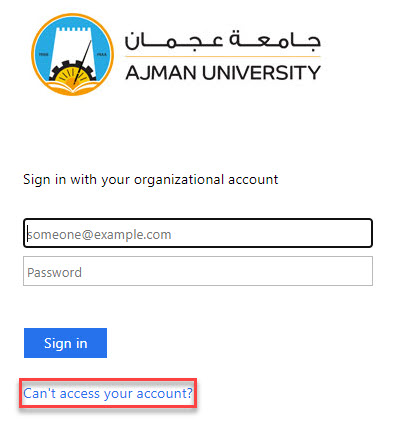
- Go to www.outlook.com/ajman.ac.ae
- Click on Can't access your account?
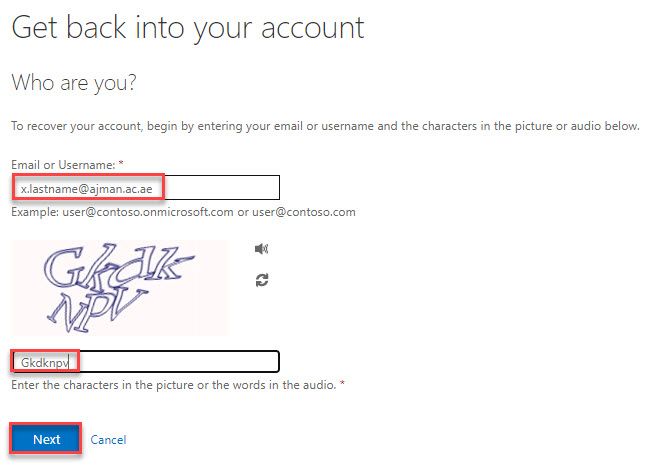
- Enter your AU email address and the verification code, and then click on Next.
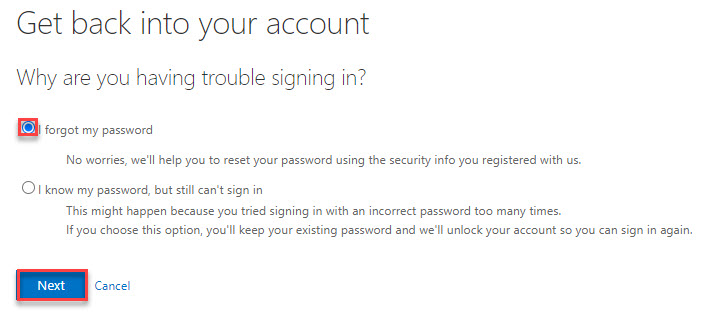
- Check the I forgot my password box and click on Next.
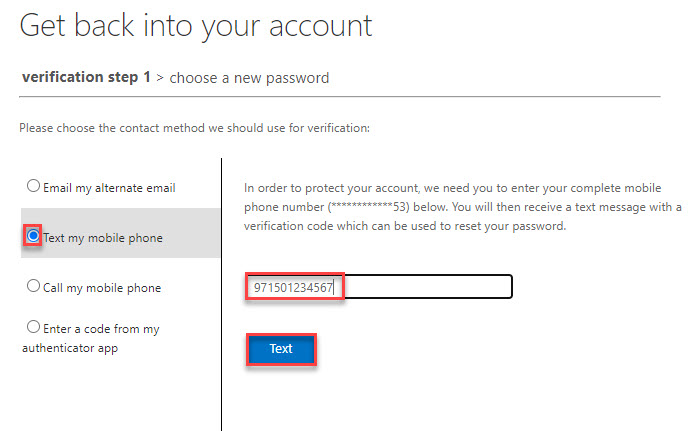
- Check the Text my mobile phone box and enter the registered phone number and then click on Text.
- Enter the verification code you receive as an SMS and click on Next.
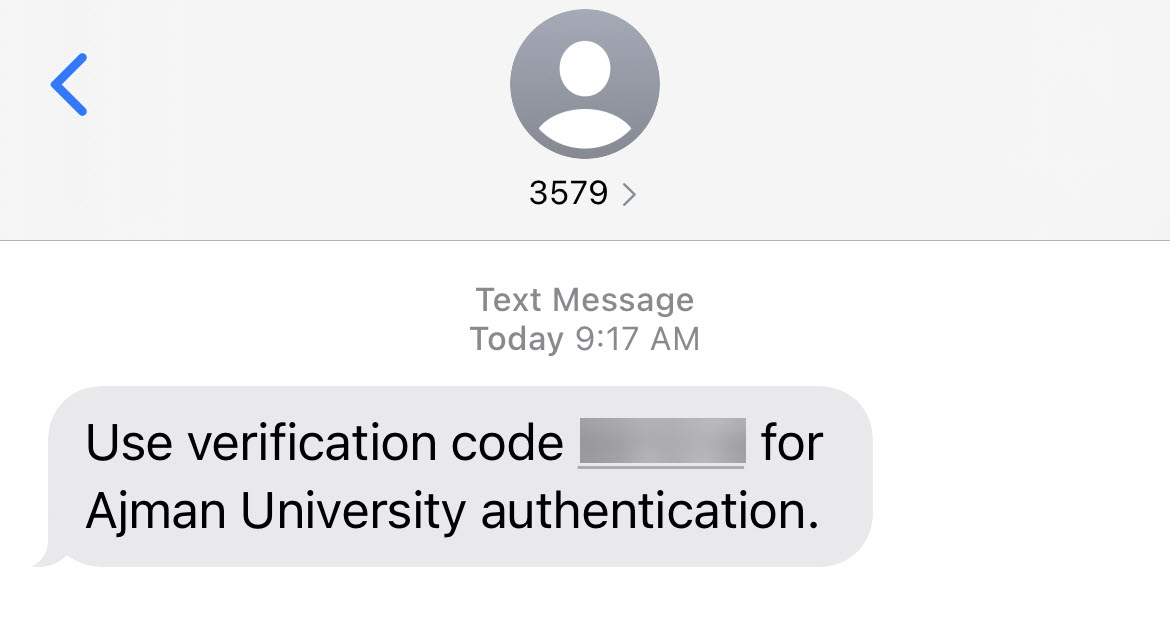
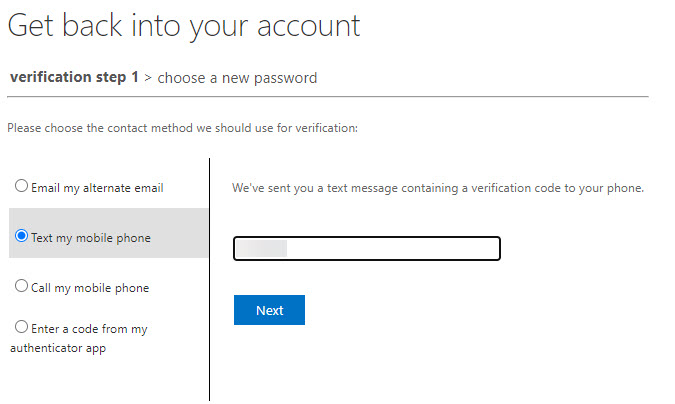
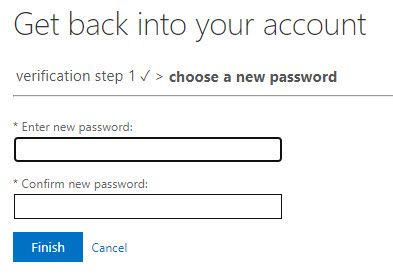
- Enter the new password and confirm it. Then click on Finish.
Note:
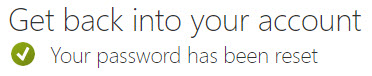
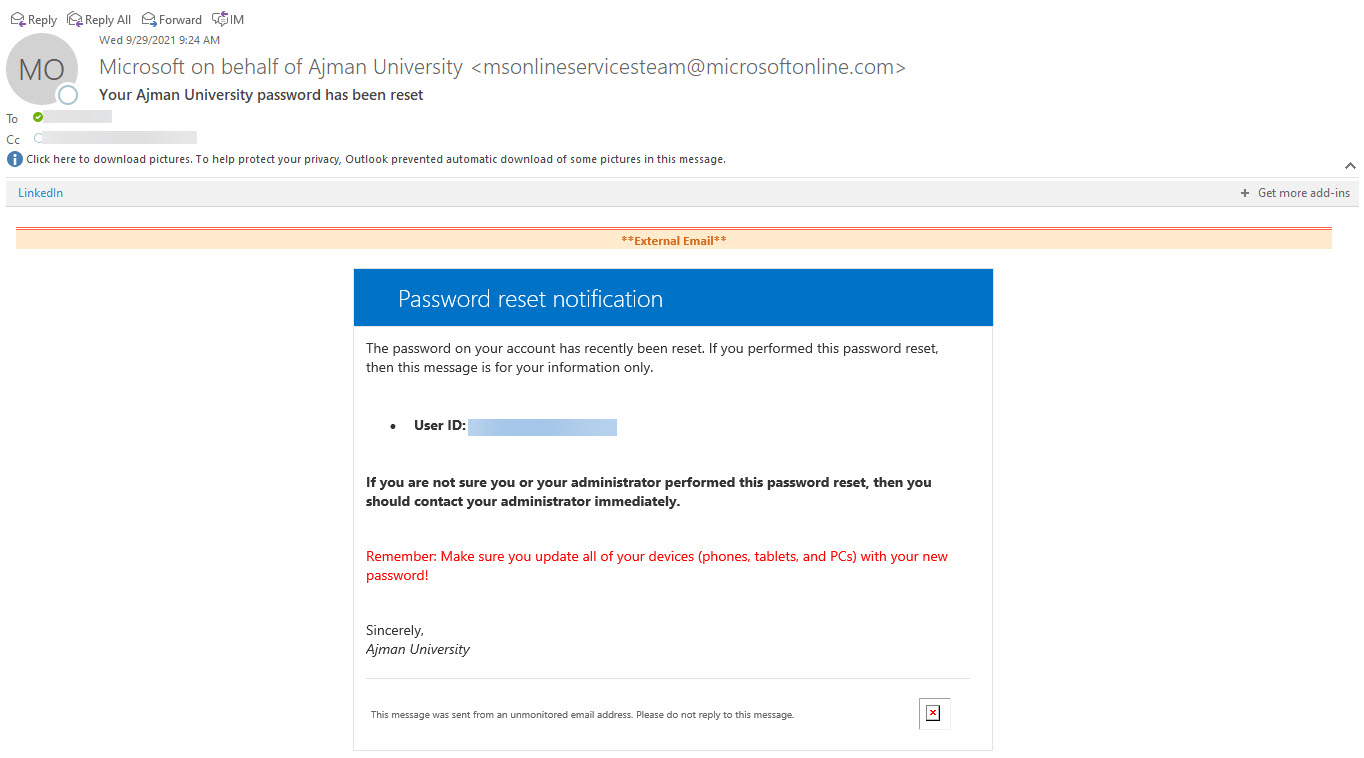
To learn more about the password policy, please refer to this article. - You will receive the below notification and email to your AU email address and personal email address.
Was this article helpful?
Related articles
Microsoft Office
Original source: https://it.ajman.ac.ae/docs/reset-password-for-faculty-staff