


Download folder permission required (MAC)
By Khadija AhmedPublished 23 Jun 2021Updated 15 Aug 20251 min read
This issue is caused by: Files and folders privacy settings on MAC
When using certain applications on your Mac, such as LockDown Browser or Examplify, you might encounter an error stating that the application requires permission to access the Downloads folder. This is due to macOS's security and privacy settings, which restricts apps from opening certain folders unless you give them permission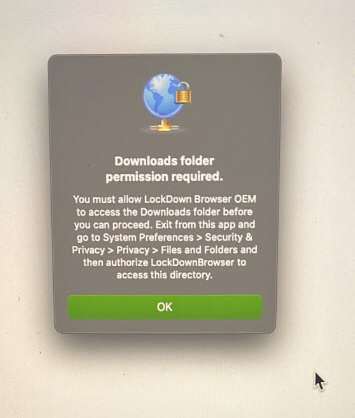
To solve this issue, please follow the steps below:
- On your MAC device, choose Apple menu > System Preferences
- Click on Security & Privacy, then click on Privacy
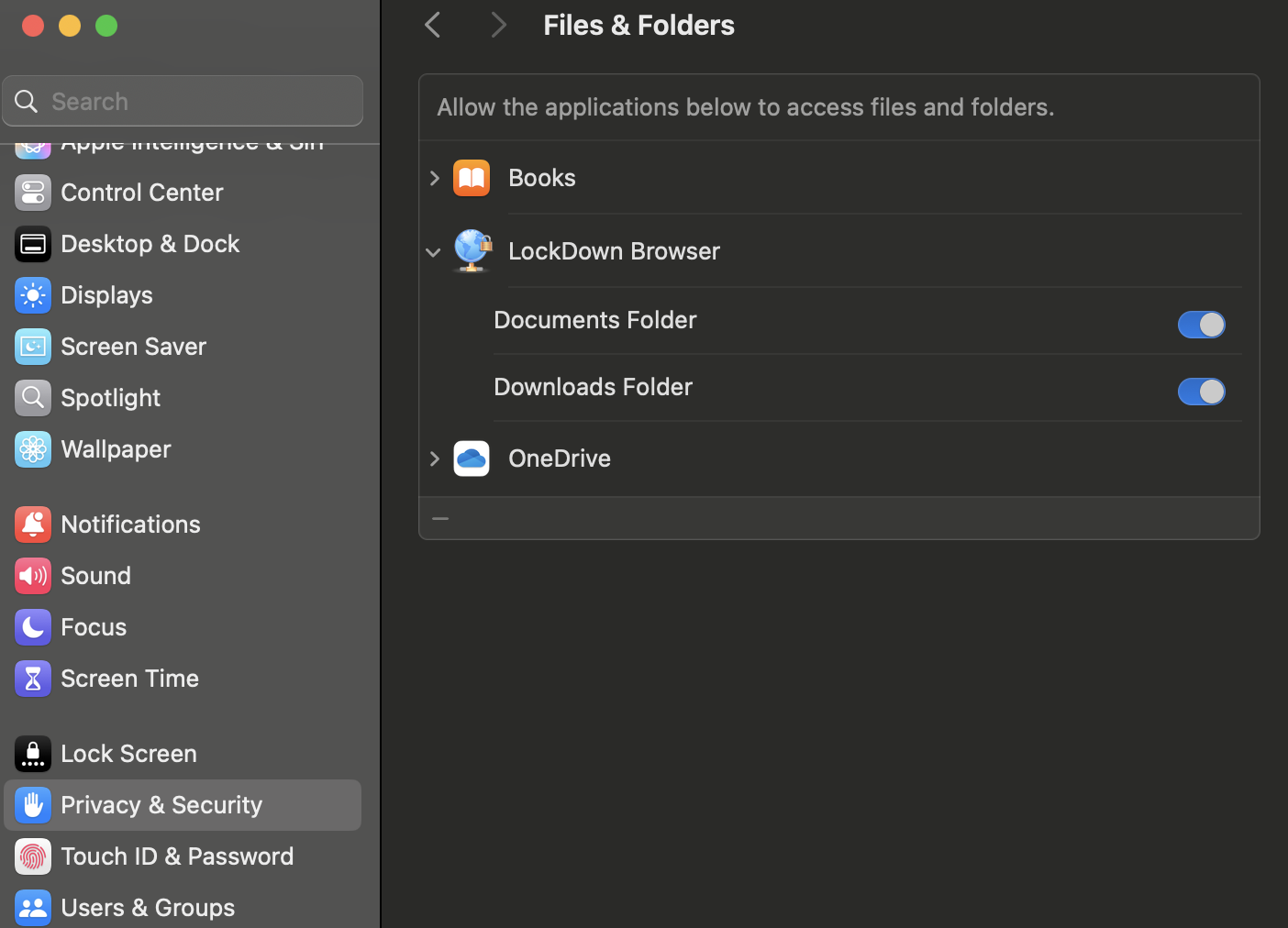
- Select Files and Folders
- Switch on the toggles listed under LockDown Browser to grant it access to the required files and folders.
Was this article helpful?
Related articles
Online Exams Common Issues
Original source: https://it.ajman.ac.ae/docs/download-folder-permission-required-mac