


Review Team’s Goals
By Khadija AhmedPublished 20 Jan 2025Updated 23 Jan 20261 min read
Please Note:
This user manual is currently under review. A revised version reflecting the new Redwood user interface will be available soon.
-
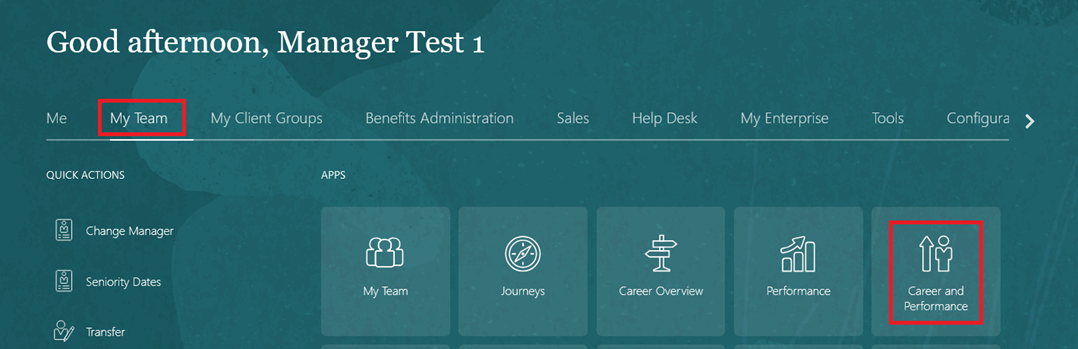
On the Home page, click on "My Team" then select "Performance and Talent Management".
-
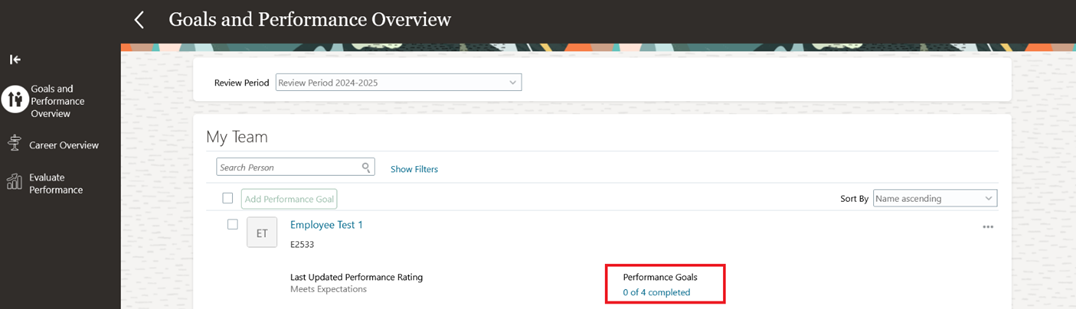
Select an employee and open their completed Performance Goals.
-
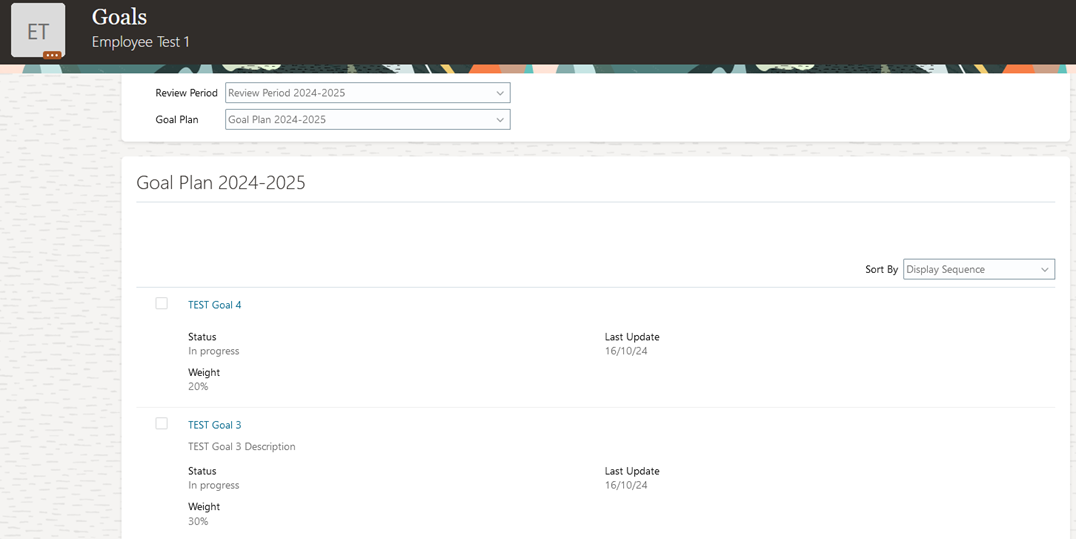
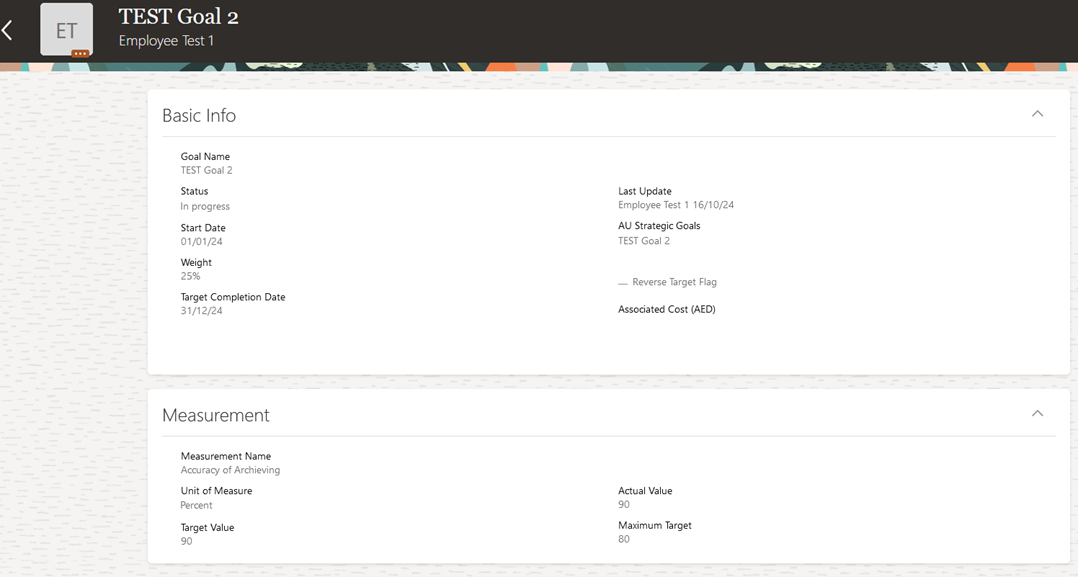
Open any goal to review the progress and achievements.
Was this article helpful?
Related articles
Goal Management for Managers
Original source: https://it.ajman.ac.ae/docs/review-teams-goals