


Log in to the Research Platform
Published 17 Oct 2021Updated 17 Oct 20211 min read
After creating your profile and setting your password, you may log in to the platform by following the below steps:
- Go to the research platform.
- Click on Faculty Login, which is available on the top-right of the webpage.

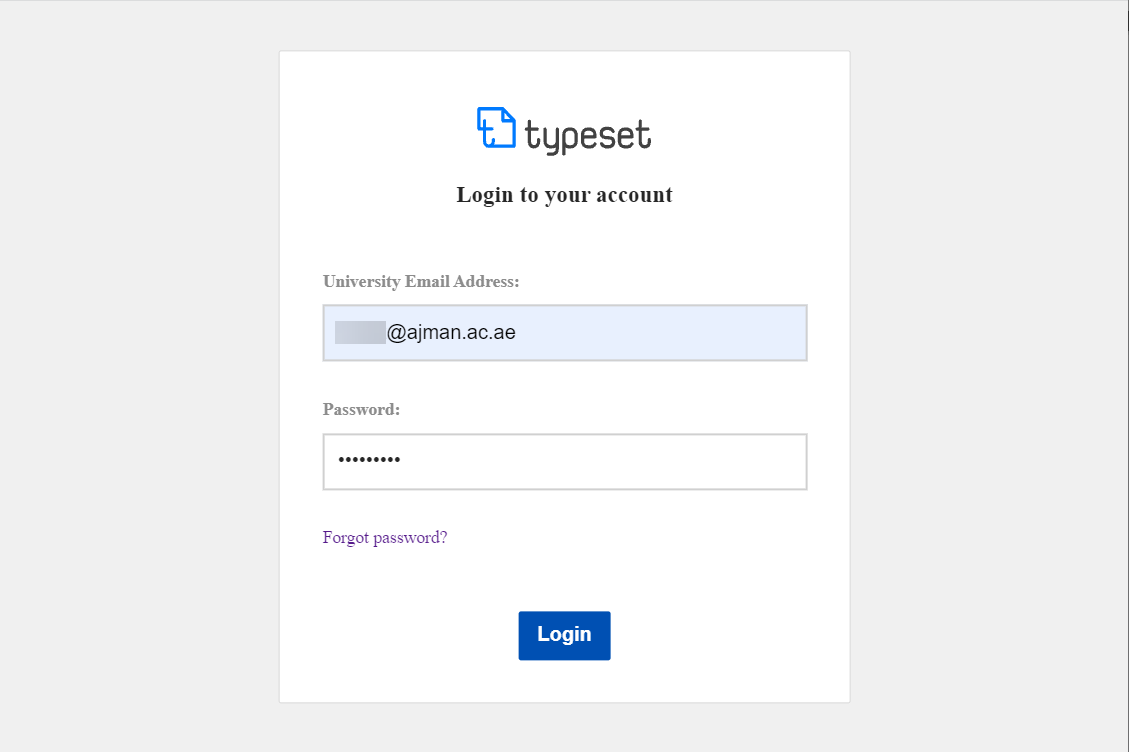
- Enter your AU email address and the password which you have previously set, then click on Login.
Was this article helpful?
Related articles
Research Platform
Original source: https://it.ajman.ac.ae/docs/log-in-to-the-research-platform