


Install Lockdown Browser
By Khadija AhmedPublished 22 Jun 2021Updated 4 Apr 20261 min read
You can install the LockDown Browser by following the below steps:
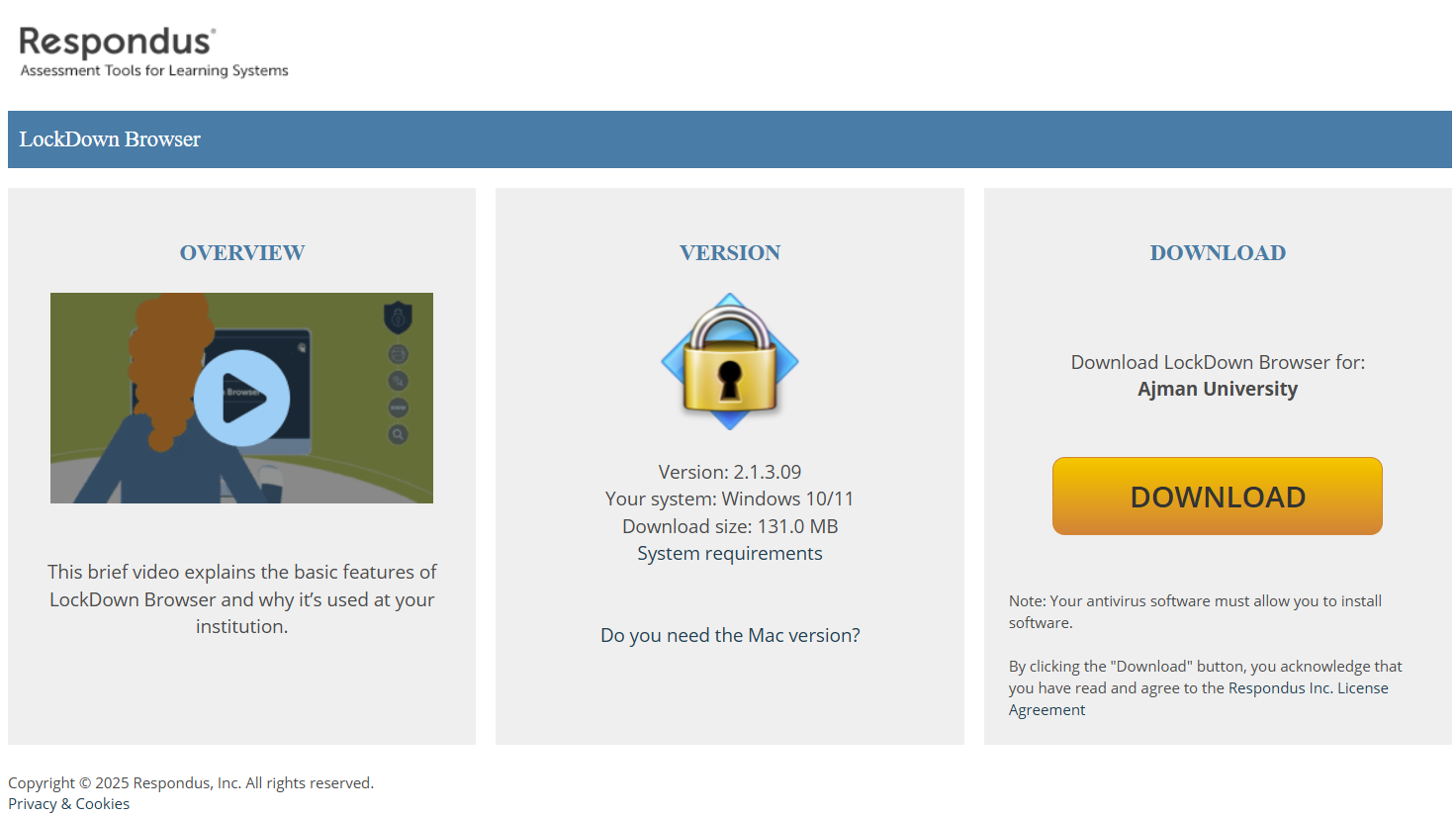
- Click on this link to install Lockdown Browser.
- Install the browser, by clicking on Install, as illustrated below:
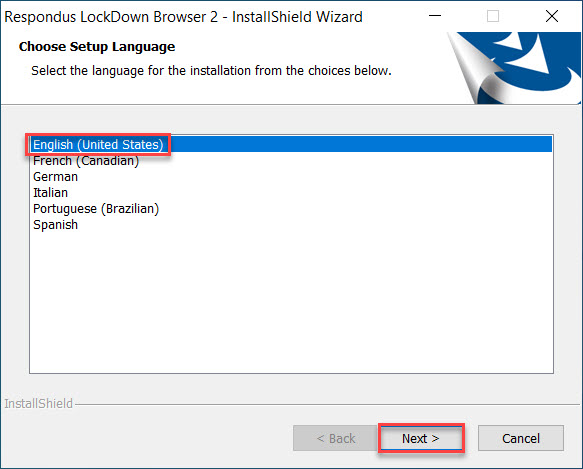
- Choose the language and click on Next.
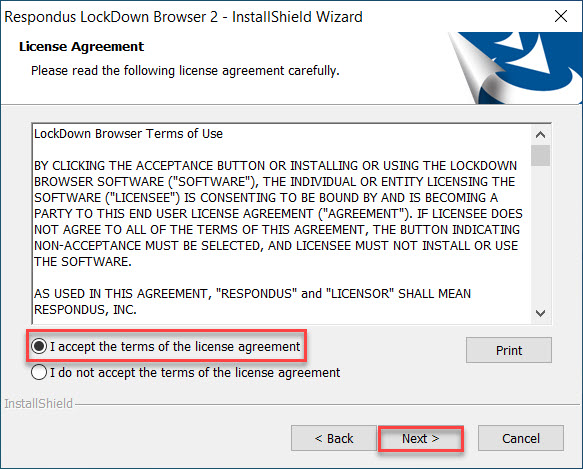
4- Read and agree on the license agreement.
5- Wait for the software to be installed and then click on Finish.
Note:
The LockDown Browser is compatible with:
- Windows: 10 & 11
- Mac: MacOS 12+
- iPad OS: 15.0+
Was this article helpful?
Related articles
LockDown Browser
Original source: https://it.ajman.ac.ae/docs/install-lockdown-browser