


Install Examplify for Students
By Khadija AhmedPublished 6 Oct 2021Updated 29 Mar 20231 min read
To Install Examsoft on your device, please follow the below steps:
- Open Microsoft Edge.
Note:
Microsoft Edge is the recommended browser for Examsoft. - Go to Examsoft.com
- Click on Student/Exam Taker.
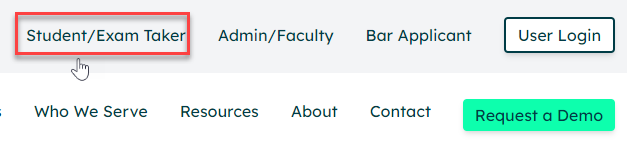
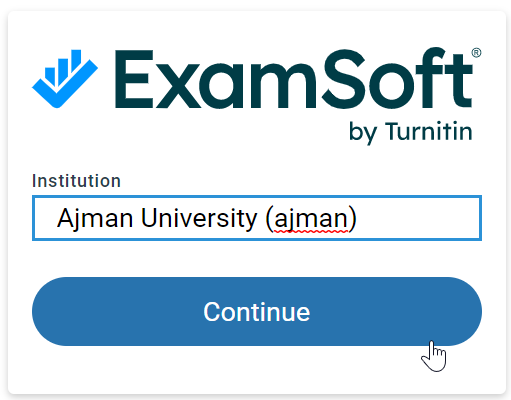
- Enter Ajman in the Institution field and click on Continue.
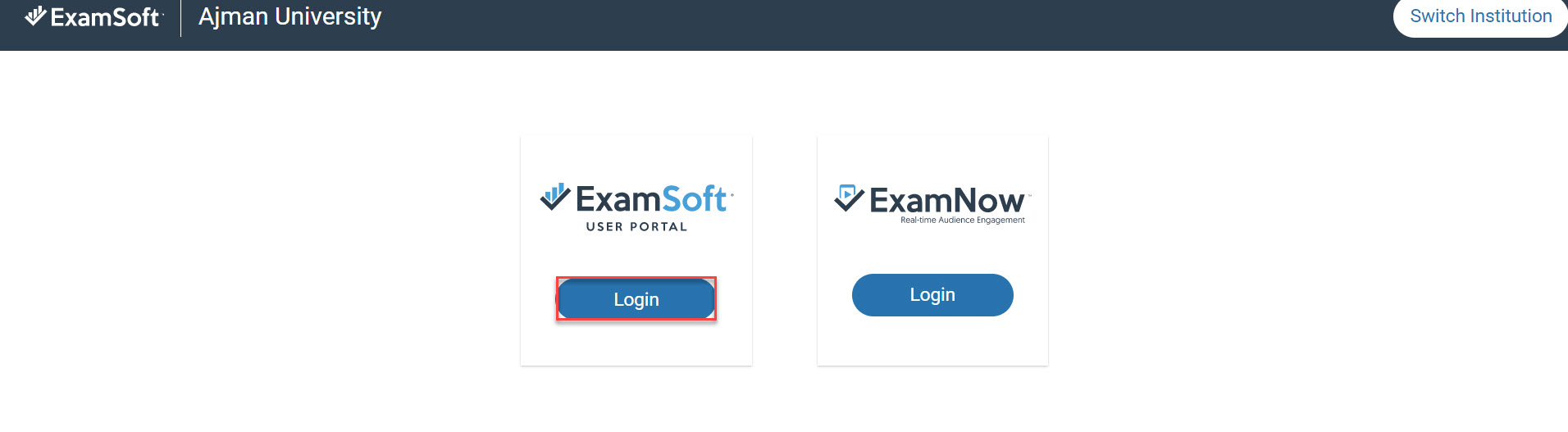
- Under the Examsoft User Portal column, click on Login.
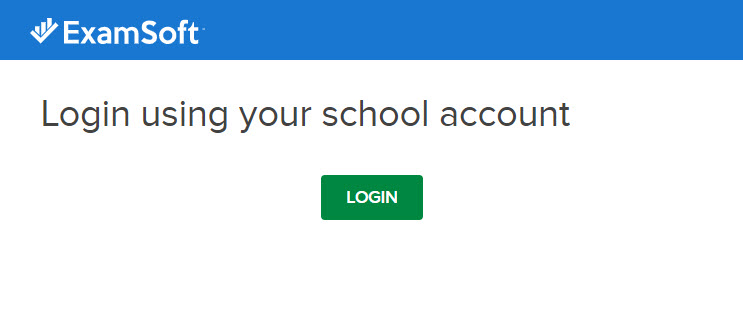
- Click on Login.
- Enter your AU student email address and click on Continue.
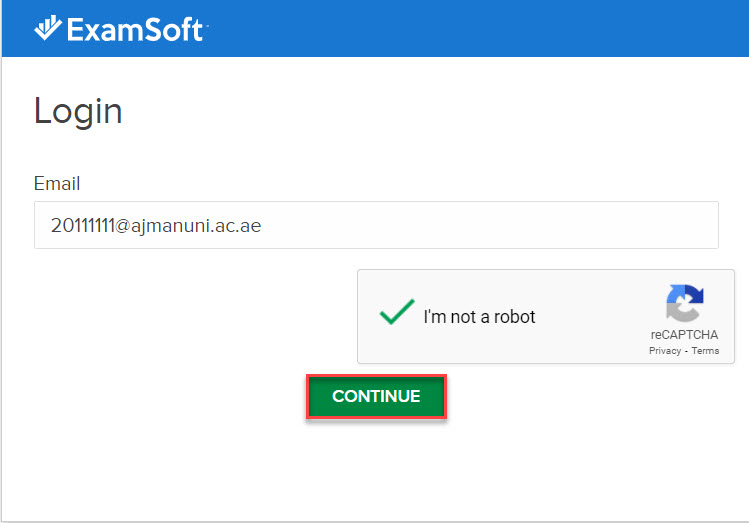
- You will be redirected to AU login page to enter your AU student ID and password.
- Once you are logged in, click on Download Examplify.
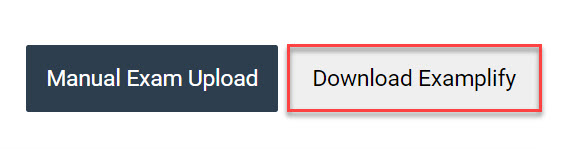
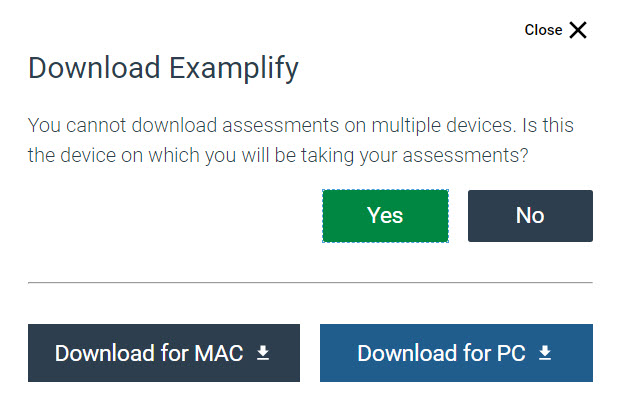
- Confirm that you will be using the same device during the exam that you are downloading Examplify to by clicking on Yes. Then choose the file to be downloaded based on the device your are using (MAC or Windows).
- Once the Examplify is downloaded, open the downloaded file and click on Install.
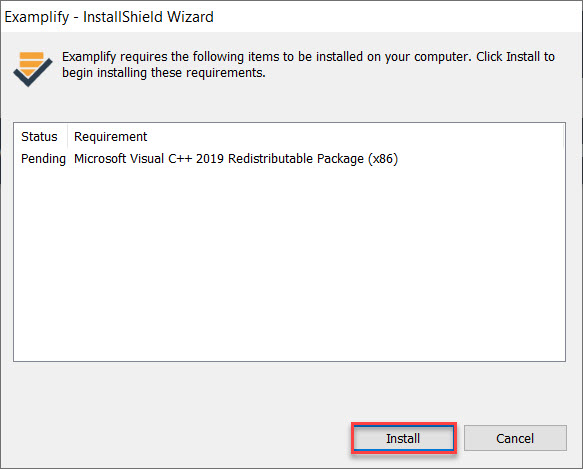
- Once the installation is completed, launch Examplify.
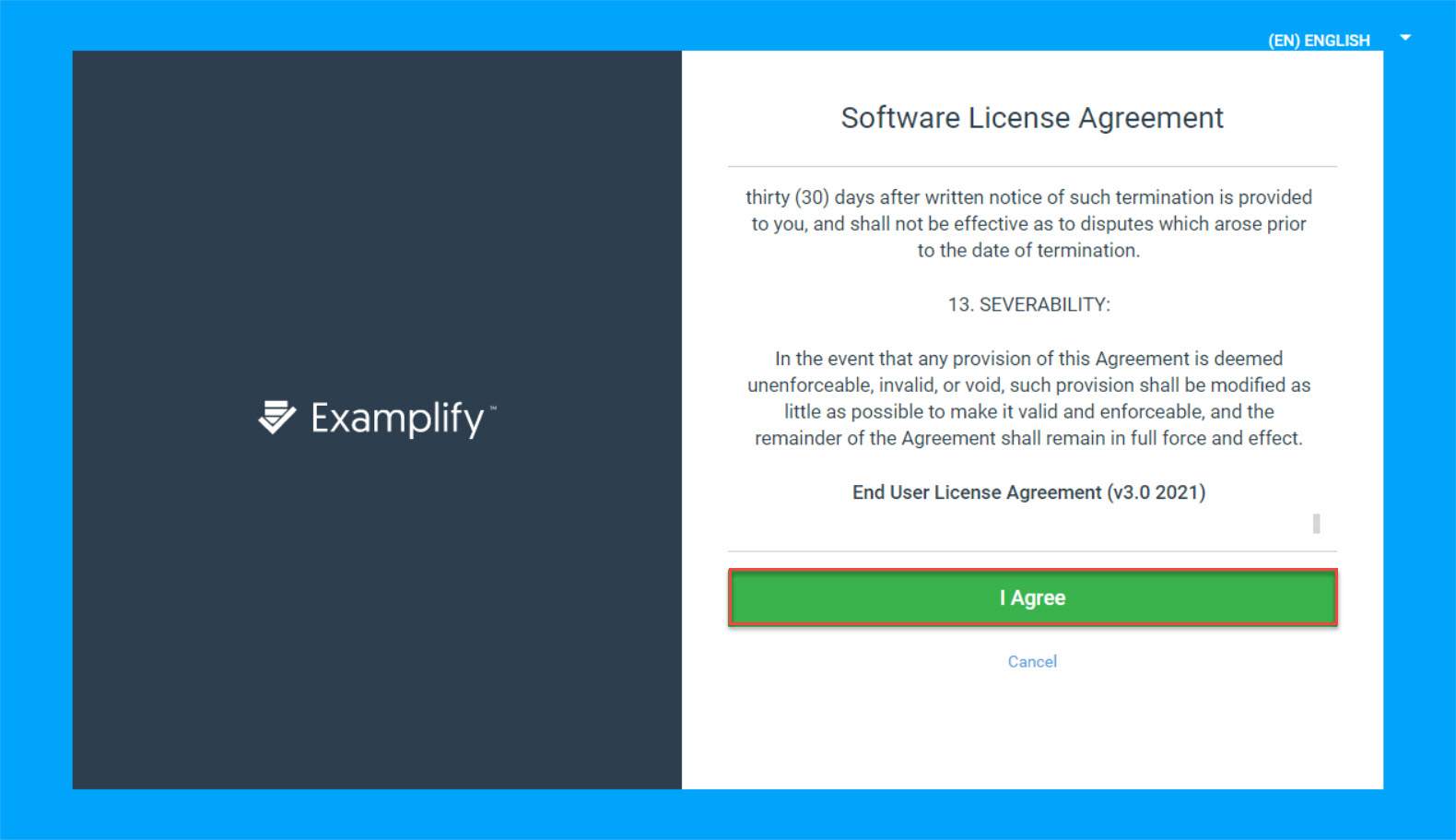
- Read and agree to the software license by clicking on I Agree.
- Once you are logged in, the below message will be displayed.

Was this article helpful?
Related articles
Examplify
Original source: https://it.ajman.ac.ae/docs/install-examplify-for-students