


Create your account on the Research Platform
Published 17 Oct 2021Updated 17 Oct 20211 min read
Once you receive the unique invitation link to you AU email address, follow the below steps:
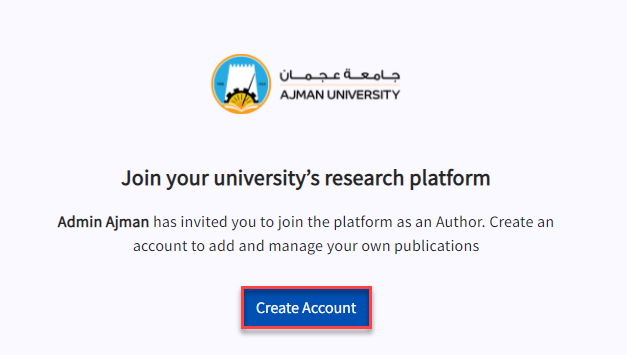
- Click on the invitation link.
- Click on Create Account.
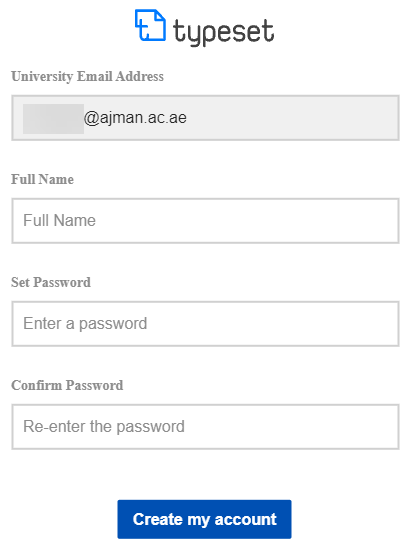
 Enter your full name and set your password, and click on Create my account.
Note:
You should set your password by yourself, as it is not unified with the rest of AU e-services (i.e. you will not be signing in using the Single Sign On (SSO) feature). - You will be automatically logged into the platform and you will be able to view all publications.
Was this article helpful?
Related articles
Research Platform
Original source: https://it.ajman.ac.ae/docs/create-your-account-on-the-research-platform