


Change your password for the Research Platform account
Published 17 Oct 2021Updated 17 Oct 20211 min read
In case you’d like to change your password, please follow the below steps:
- Log into the platform by following the steps mentioned here.
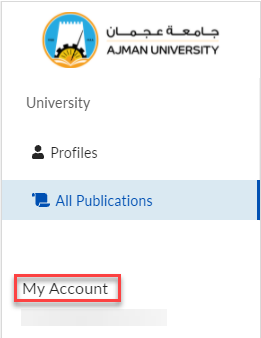
- Click on My Account.
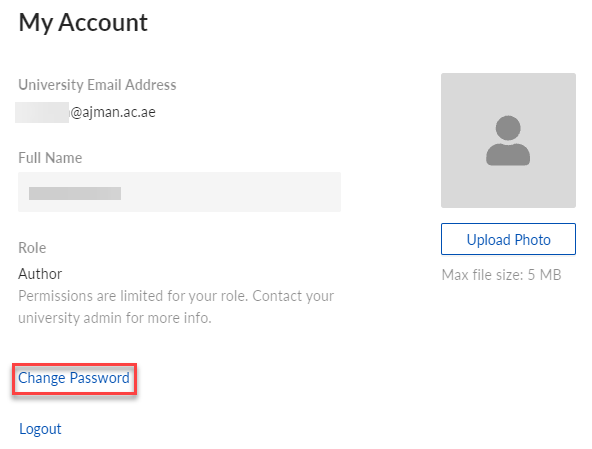
- Click on Change Password.
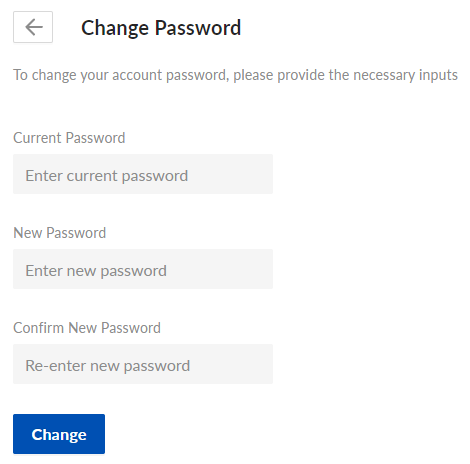
- Enter your current and new password, then re-enter the new password, and click on Change.
- You will receive the below confirmation notification.

Was this article helpful?
Related articles
Research Platform
Original source: https://it.ajman.ac.ae/docs/change-your-password-for-the-research-platform-account